Track income and keep several businesses apart in ReceiptBook
ReceiptBook files your sales invoices as income, lets you add money in or out by hand, and keeps a second business in its own books, rules and exports.
Short answer
ReceiptBook isn't only for expenses. When your own business name is at the top of an invoice, the app files it as income, and you can add money in or out by hand with Add income or expense. If you run more than one business, each one gets its own documents, categories, rules, periods and exports under Settings > Businesses. One business is free; more need ReceiptBook Pro, and switching between them is never locked.
Your accountant wants both sides of the period: what you spent and what you earned. Many people also run two things at once, such as a trade and a rental apartment, and those books must not mix. ReceiptBook handles both on one iPhone without an account.
How ReceiptBook tells sales from purchases
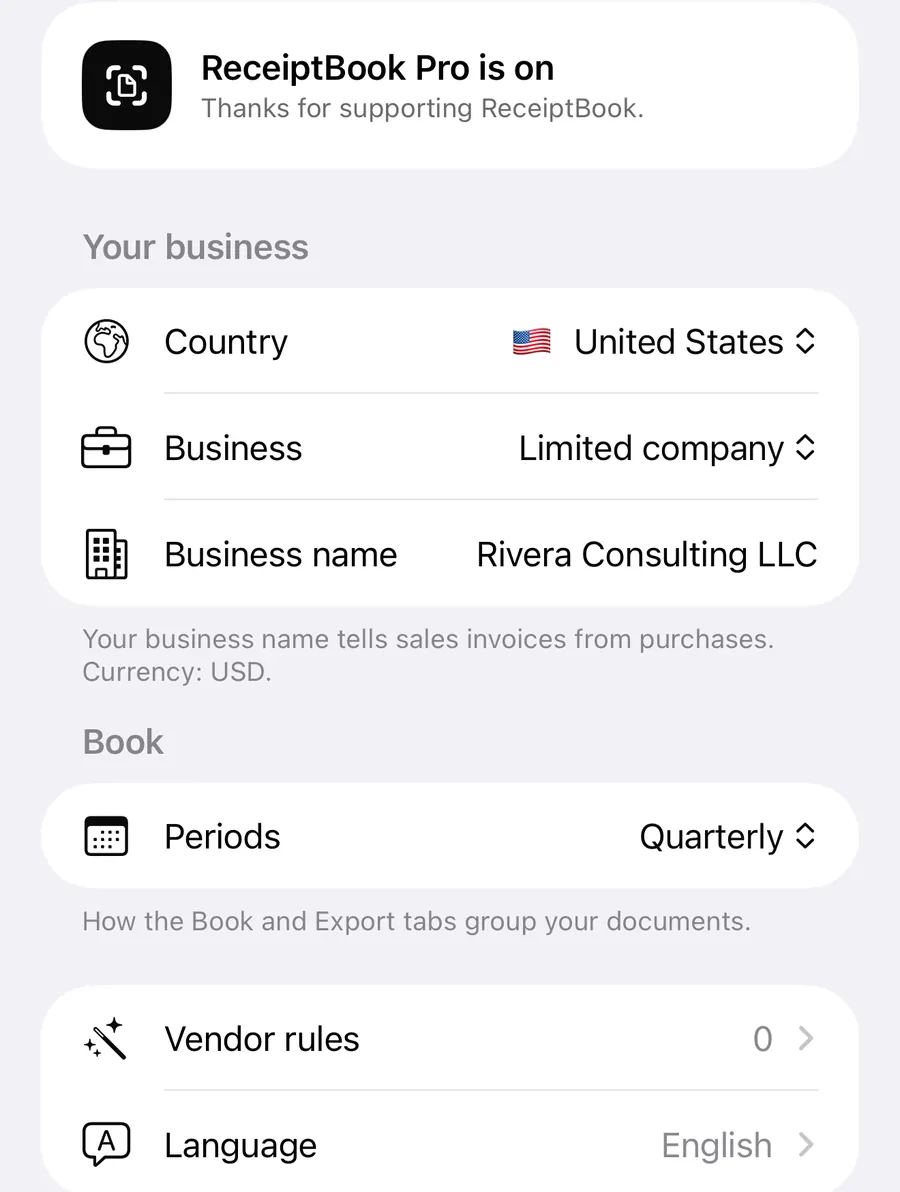
The key is the Business name in Settings > Your business. The footnote there says it plainly: your business name tells sales invoices from purchases.
- Scanned or PDF invoices: if your business name appears in the header of an invoice, ReceiptBook reads it as one you sent and sets it to income.
- E-invoices (XRechnung, Factur-X, UBL and the others): if you are the seller in the XML, the document is income and your customer becomes the name on it.
- Anything else is read as an expense, which is right for receipts.
The direction is a field like any other. If the app got it wrong, open the document, tap the Money field and switch between Expense and Income before you confirm. The Check badges post explains how each field shows where its value came from.
Adding income or an expense by hand
Not everything comes with a document: a cash payment from a customer, a parking meter, a bank fee. In the Book tab, tap the + button, which opens Add income or expense.
Add a payment without a document
- Open Book and tap +.
- Under Money in or out, choose A customer paid you or You paid a supplier.
- Enter the Total, the date and the customer or supplier, or what it was for.
- Pick a category and, if it applies, the VAT rate, the payment method and a property or project.
- Tap Add. The entry is filed straight away in your business's currency.
Typed-in entries have no original, and the app says so: keep the paperwork where you can find it. They are marked as typed in wherever they are exported. US businesses also get a Trip mode for mileage, covered in the Schedule C post. You can log a quick expense with Siri too, as the widget and Shortcuts post shows.
Income in the Book and in exports
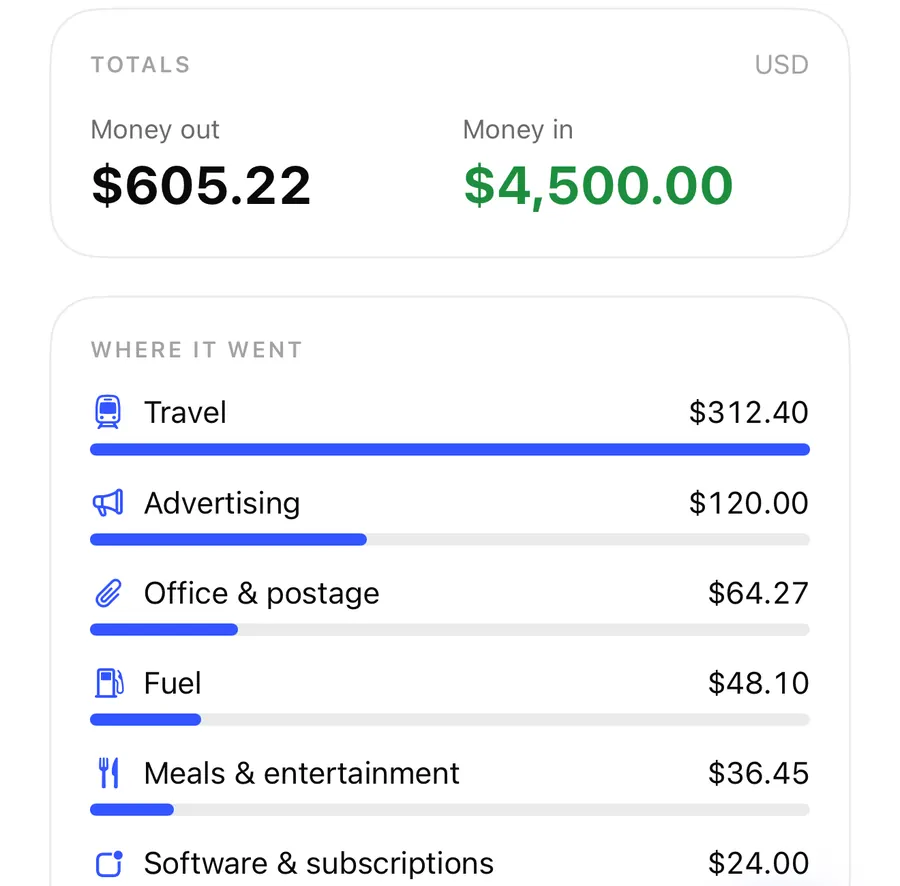
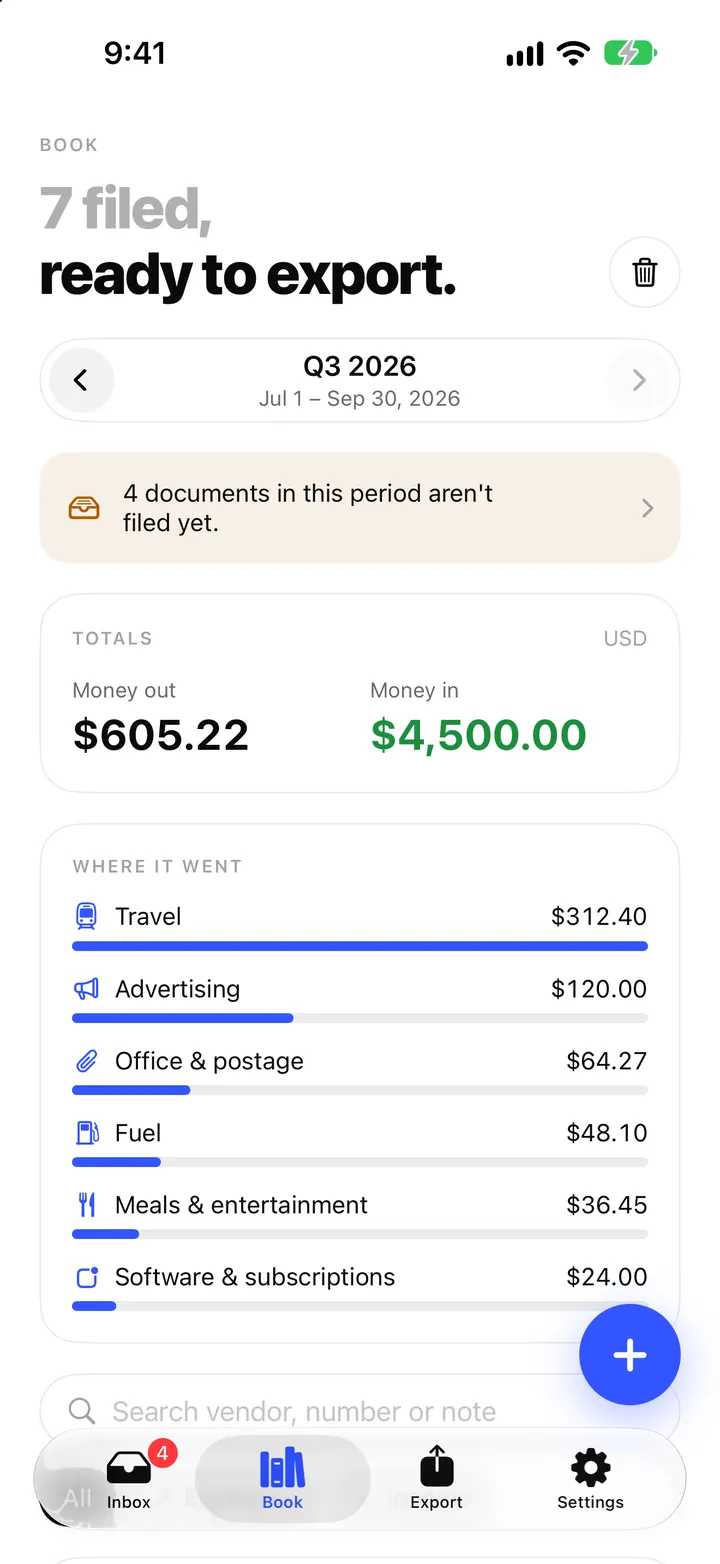
The Totals card in the Book shows Money in, Money out and the Balance for the period. In exports, every row carries its direction, so your accountant can separate sales from purchases without guessing. Credit notes reduce the total rather than adding to it.
Several businesses, kept apart
Open Settings > Businesses. Each business has its own country, currency and books, and keeps its own documents, categories, rules, periods and exports. Tap a business to switch to it; the Inbox, Book, Export and Settings then show only that business.
This fits cases like:
- a trade in your own name plus a rental apartment as a landlord,
- a limited company and a side business as a sole proprietor,
- businesses in two countries, each with its own VAT rates and export formats.
Vendor rules and category rules belong to one business, so a rule that files a hardware store under Repairs & maintenance for the apartment doesn't touch the trade's books.
Free and Pro
The free version has one business. Add a business carries a Pro badge: ReceiptBook Pro keeps more than one business apart. If Pro ends later, your businesses stay and you can still switch between them and open everything in them; you just can't add a new one.
Removing a business
A business that still has documents can't be deleted from the list. Switch to it, delete its documents and empty Recently Deleted first. When it has no documents left, deleting it also removes its rules, learned vendor names and export records. Keep anything your tax office may still ask for before you do.
FAQ
Why was my own invoice filed as an expense?
Your business name is probably empty in Settings or printed differently on the invoice. Open the document, set the Money field to Income, and check the name under Settings > Your business.
Can two businesses use different countries?
Yes. Each business has its own country, currency, VAT rates and export formats.
What happens to my second business if I cancel Pro?
It stays. Switching between existing businesses is never locked, and everything you captured remains. Only adding another business needs Pro.
Do rules from one business apply to the other?
No. Vendor rules, category rules, categories and periods are kept per business.
Download ReceiptBook and keep each business in its own tidy book.
Keep reading
The Book in ReceiptBook: period totals, search, filters and project tags
See money in and out per period, VAT by rate and where it went by category, find any receipt by vendor or amount, and tag costs by project in ReceiptBook.
Read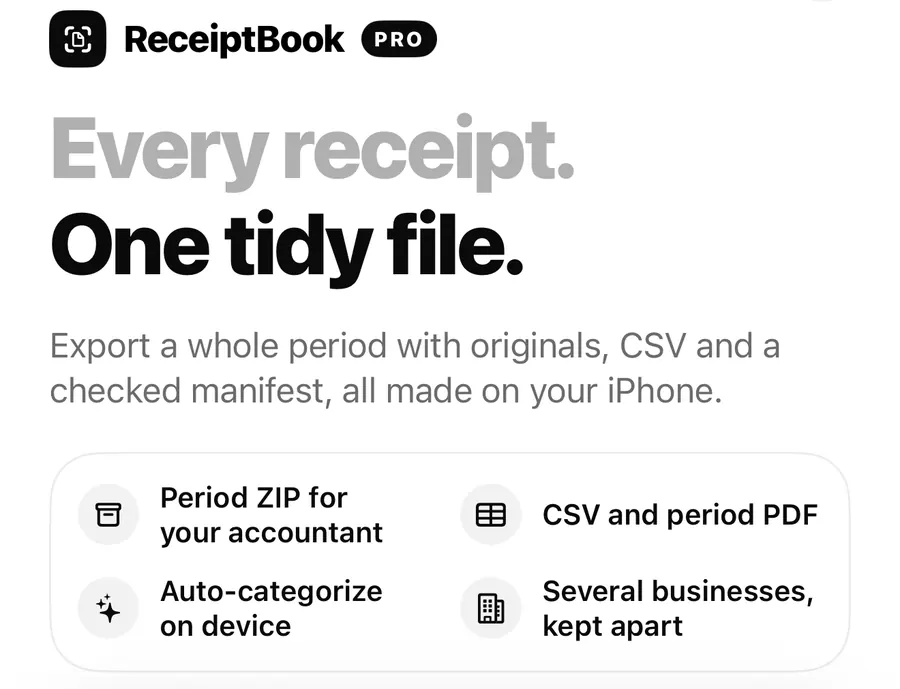
ReceiptBook Pro: what it adds, the plans, and what stays free
Scanning, reading, the Inbox, the Book and exporting your originals are free in ReceiptBook. Pro adds accountant exports, auto-categories and more businesses.
Read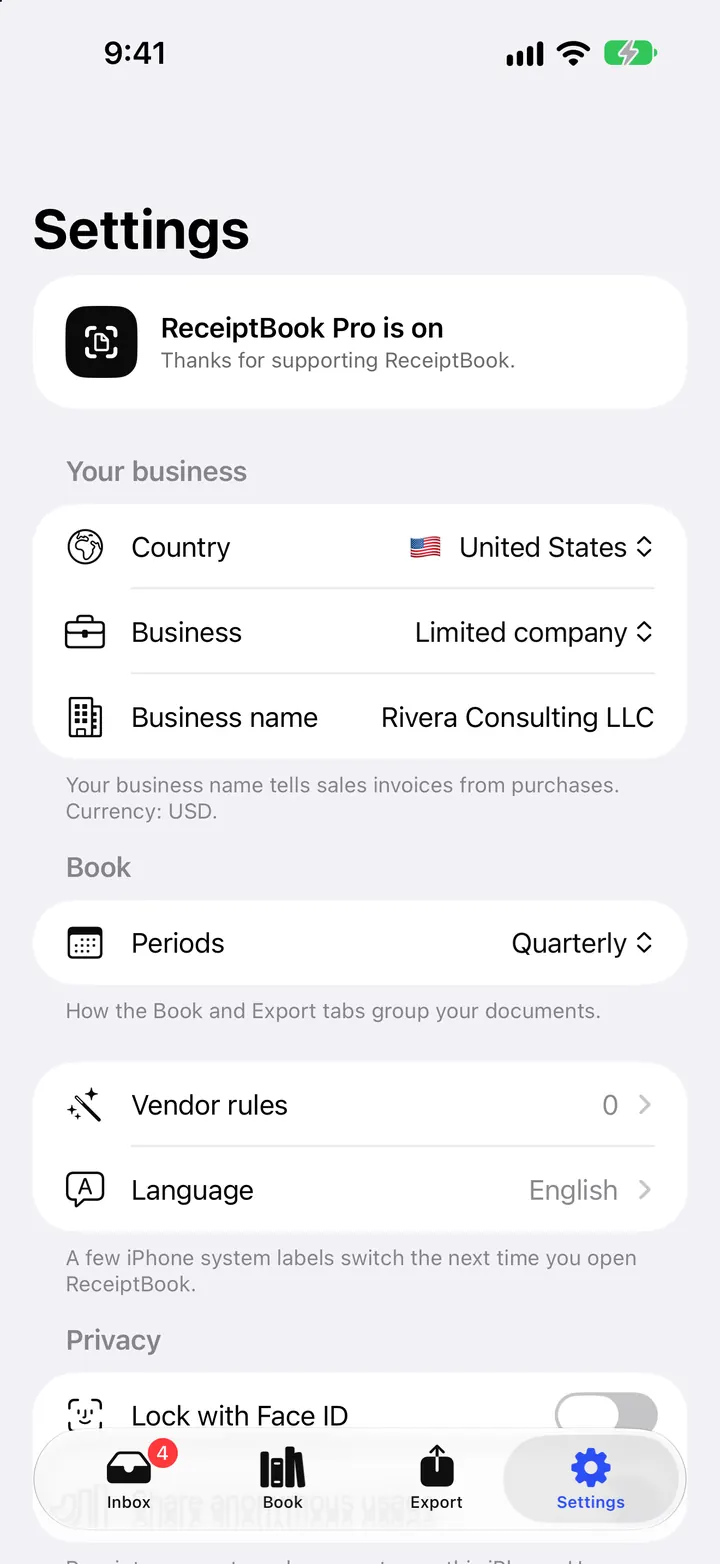
Countries, periods and deadline reminders in ReceiptBook
Set your country, business type and period in ReceiptBook, monthly, quarterly, yearly or the UK tax year, and get a reminder 7 days before each usual deadline.
ReadHow to Separate Personal and Business Expenses in ReceiptBook
Label personal, business and mixed receipts in ReceiptBook without hiding the source or making unsupported tax conclusions.
Read guide