Countries, periods and deadline reminders in ReceiptBook
Set your country, business type and period in ReceiptBook, monthly, quarterly, yearly or the UK tax year, and get a reminder 7 days before each usual deadline.
Short answer
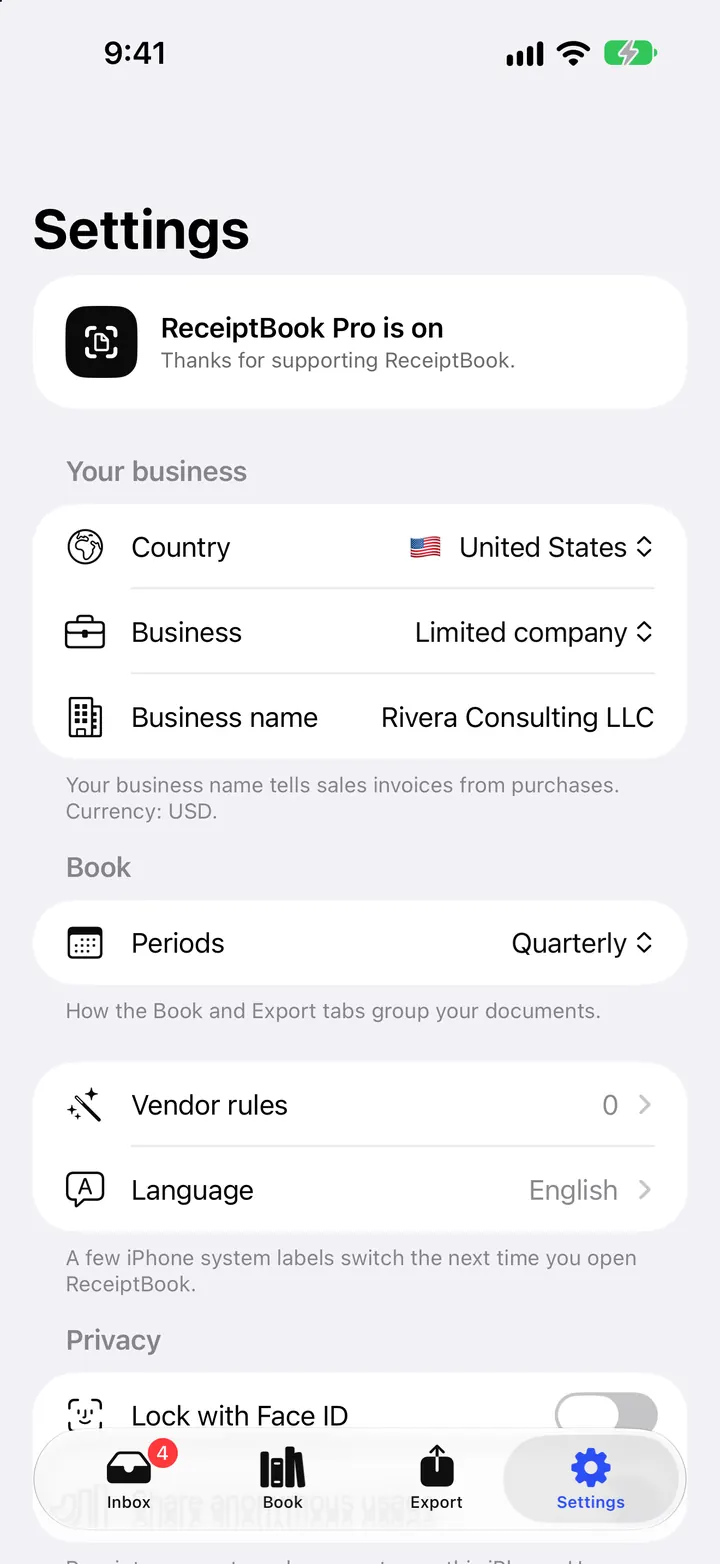
ReceiptBook asks for your country, business type, VAT status and period when you set it up, and you can change them later in Settings. The country sets the currency, VAT rates, date format and export layouts. The period (Monthly, Quarterly or Yearly, plus the UK tax year) decides how the Book and Export tabs group your documents. Deadline reminders arrive 7 days before the usual filing date of each period.
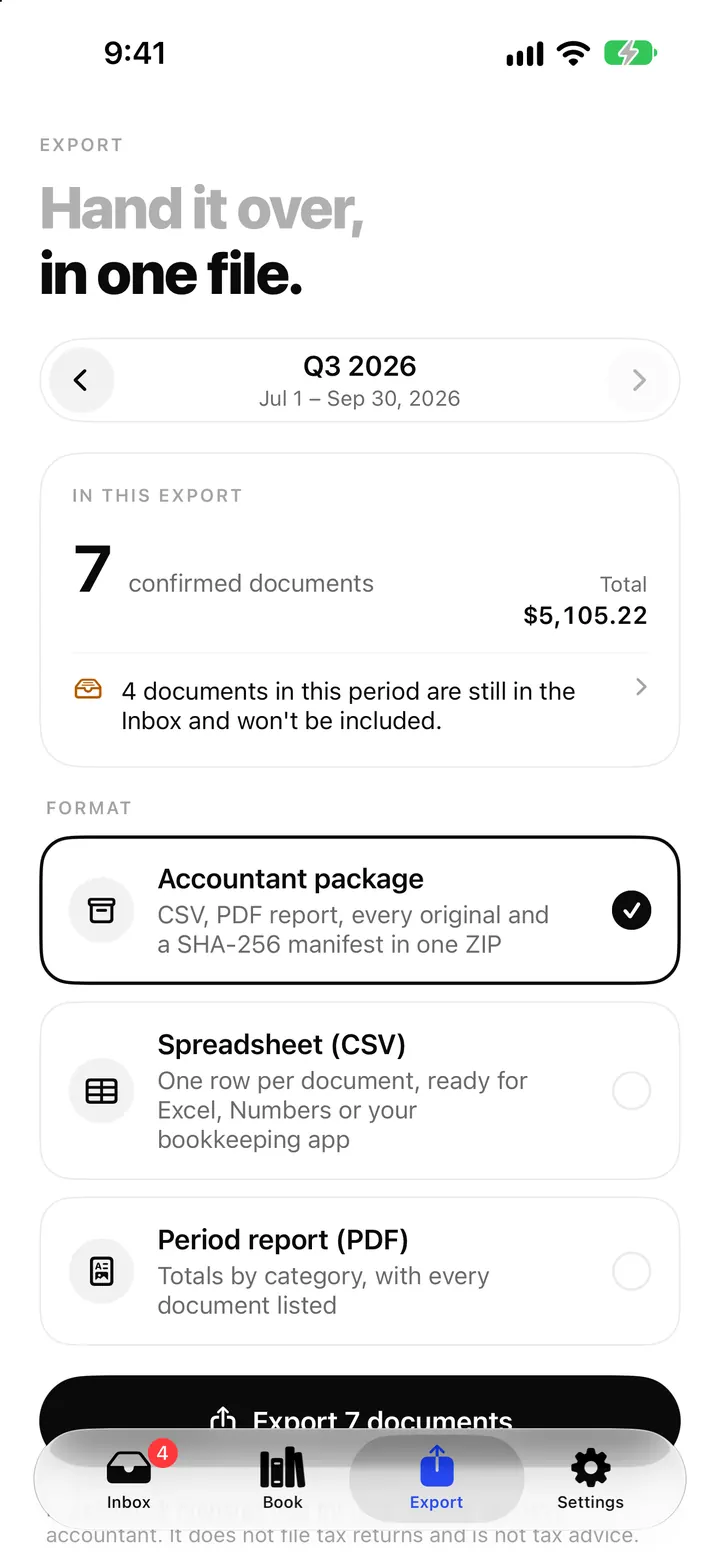
Receipts only become useful when they land in the right period: the quarter your VAT return covers, or the year your tax return covers. ReceiptBook builds that into the app, so the Book and the export always show the period your accountant asks for.
Seven countries
ReceiptBook supports United Kingdom, Germany, France, United States, Vietnam, Austria and Switzerland. The country suggested during setup comes from your iPhone's region. In the app's words, it sets the currency, VAT rates, date format and how exports look.
What changes with the country:
- VAT rates offered on documents, for example 20, 5 and 0 percent in the UK or 19, 7 and 0 percent in Germany. The US uses sales tax instead of VAT.
- Tax ID label: VAT number, VAT ID (USt-IdNr.), VAT number (n° TVA), EIN, Tax code (MST), VAT ID (UID) or VAT number (MWST-Nr.).
- Reading: text recognition languages follow the country.
- Bookkeeping files on the Export tab, covered in bookkeeping software exports.
- Extras: the Schedule C card and mileage trips in the US (Schedule C post), a Revenue this year card for Vietnam, and Kleinunternehmer (§ 19 UStG) as a VAT choice in Germany.
Home currency can be GBP, EUR, USD, CHF, VND, PLN, SEK, DKK, NOK, CZK or HUF, so a business whose books run in a currency other than the country's usual one can pick it. Documents in other currencies get a Foreign currency warning and a manual exchange rate, as the foreign currency post explains.
Business type and VAT status
The business type is one of Sole proprietor, Freelancer, Limited company or Something else (side business, association, landlord). Vietnam adds Household business. Then you answer whether you are registered for VAT: Yes, I'm registered or No, not registered. If you are registered, ReceiptBook splits out the VAT on every receipt; if not, it still records the VAT shown, but totals focus on what you paid.
Periods
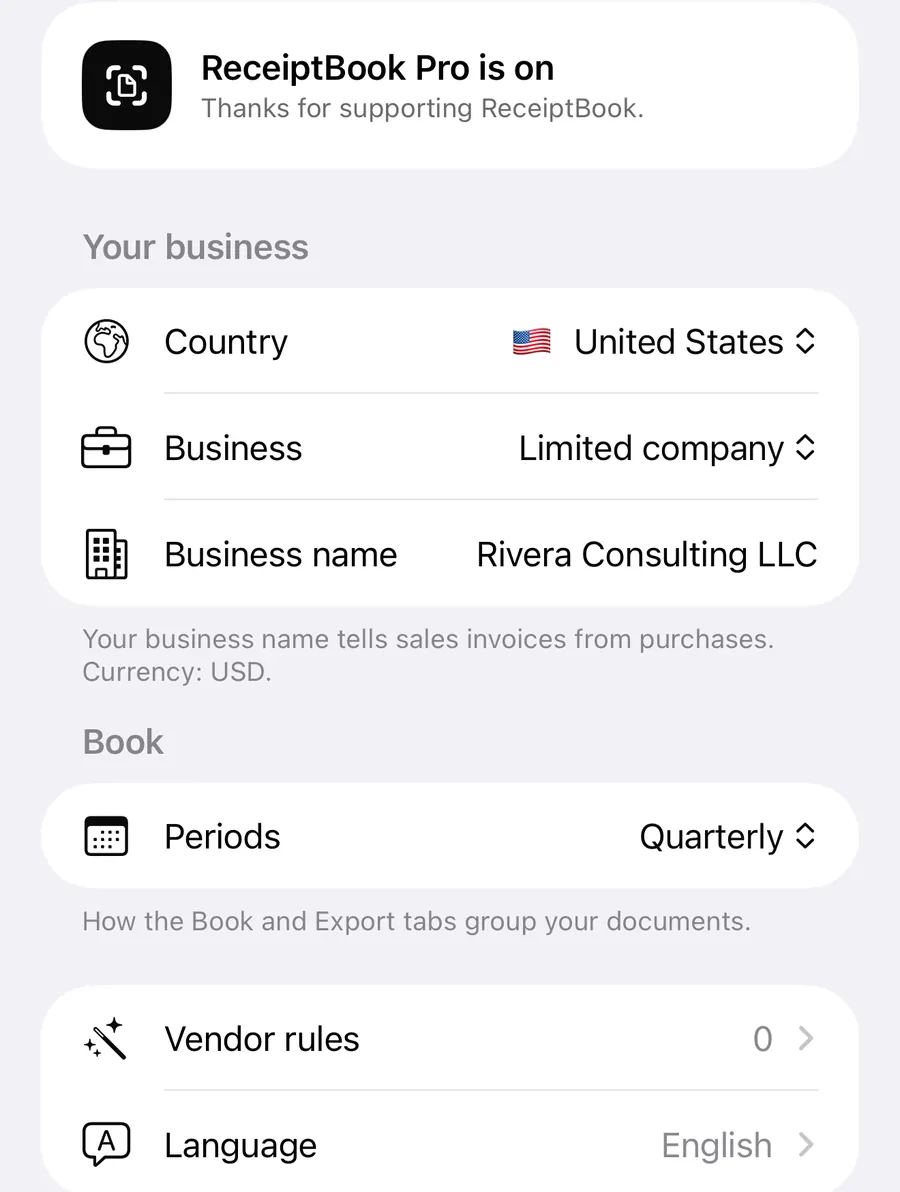
The period is how the Book and Export tabs group documents:
| Period | When it fits |
|---|---|
| Monthly | Your accountant wants papers every month |
| Quarterly | VAT returns or bookkeeping every quarter |
| Yearly | Once a year, for the tax return |
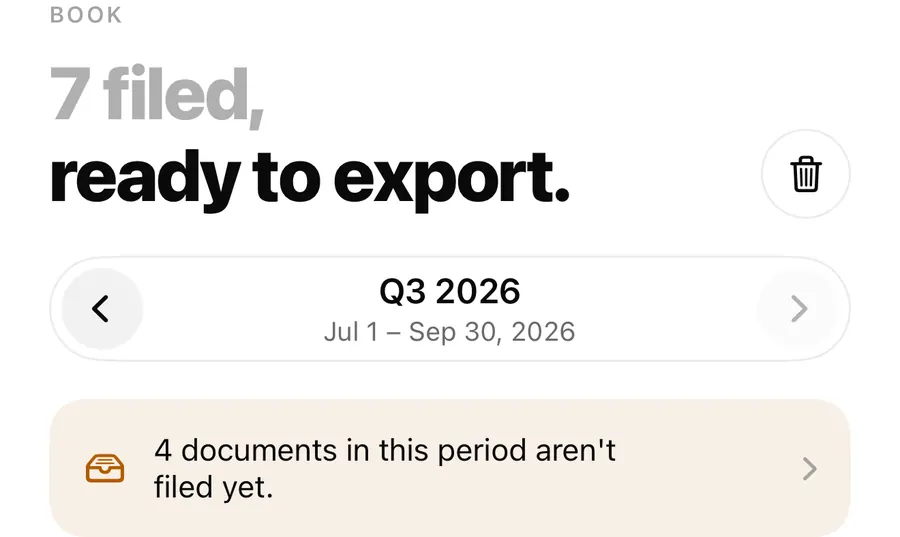
Quarterly is the default, except in France, where it is monthly. UK businesses can also switch on Follow the tax year (April 6), so periods start on April 6 instead of January 1. For anything else, the Book has a Custom range where you choose dates; the Book post shows how.
Changing the period doesn't change any document. It only regroups what you see and what goes into the next export.
Deadline reminders
Turn on Deadline reminders in Settings > Book. ReceiptBook then schedules a local notification 7 days before the usual filing date of each period, asking you to check the period and export it for your accountant. Below the switch, Settings shows the next period and its due date.
For US businesses, the reminders follow the Form 1040-ES estimated tax payment dates instead: April 15, June 15, September 15 and January 15, or the next business day.
Set up your period and reminders
- Open Settings and check Country and Business under Your business.
- Under Book, set Periods to the rhythm your accountant or tax office uses.
- In the UK, switch on Follow the tax year (April 6) if your periods follow the tax year.
- Switch on Deadline reminders and allow notifications when iOS asks.
- Read the Next: line under the switch and compare the date with your own deadline.
Keep records for
The Records section of Settings shows Keep records for, a number of years for your country. ReceiptBook uses it to warn you before you delete a document that may still need to be kept. The app marks the figure as unverified, so check your local rule with your tax office or accountant.
Language
ReceiptBook runs in English, Deutsch, Français, Italiano, Español, Nederlands and Tiếng Việt, or follows the Device language. The language is separate from the country: an English-speaking freelancer in Germany can use the app in English with German VAT rates and a DATEV export. A few iPhone system labels switch the next time you open the app.
FAQ
Can I change my country after setup?
Yes, in Settings > Your business. If you run a second business in another country, a separate business keeps its own country and books; adding one is part of Pro.
Will changing the period move my documents?
No. Documents keep their dates. The period only decides how the Book and Export tabs group them.
Why didn't I get a deadline reminder?
Check that notifications are allowed for ReceiptBook in the iPhone Settings app, then switch Deadline reminders on again.
Is my country missing?
The app currently offers seven countries. If yours isn't there, tell us through support.
Download ReceiptBook and let the next deadline find your receipts already filed.
Keep reading
Export receipts for Xero, QuickBooks, FreeAgent, DATEV and FEC
ReceiptBook makes import files for Xero, QuickBooks, FreeAgent, DATEV, lexoffice, sevDesk and the French FEC, matched to your country. Here is what each holds.
Read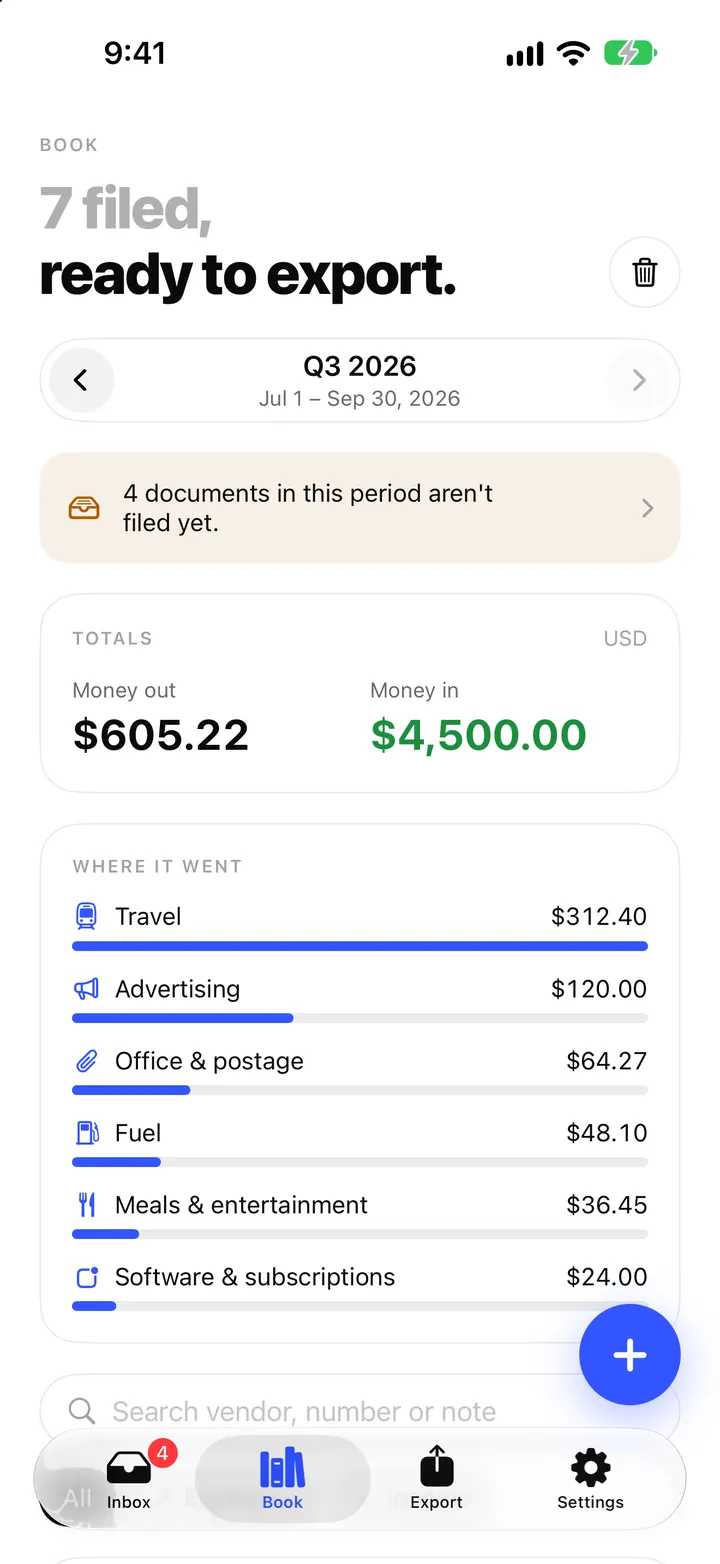
Schedule C and mileage in ReceiptBook: a US guide for sole proprietors
For US businesses, ReceiptBook sorts filed expenses into an estimated Schedule C view, counts meals at half and logs trips at the IRS standard mileage rate.
Read
Foreign currency receipts and VAT rates in ReceiptBook
Handle receipts in another currency with the rate your bank charged, read several VAT rates on one receipt, and catch VAT that doesn't add up in ReceiptBook.
ReadWhat is a VAT period? Choose the right period before exporting
Learn what a VAT period is, why dates and country matter in ReceiptBook and how to check an expense package before sending it to an accountant.
Read guide