Schedule C and mileage in ReceiptBook: a US guide for sole proprietors
For US businesses, ReceiptBook sorts filed expenses into an estimated Schedule C view, counts meals at half and logs trips at the IRS standard mileage rate.
Short answer
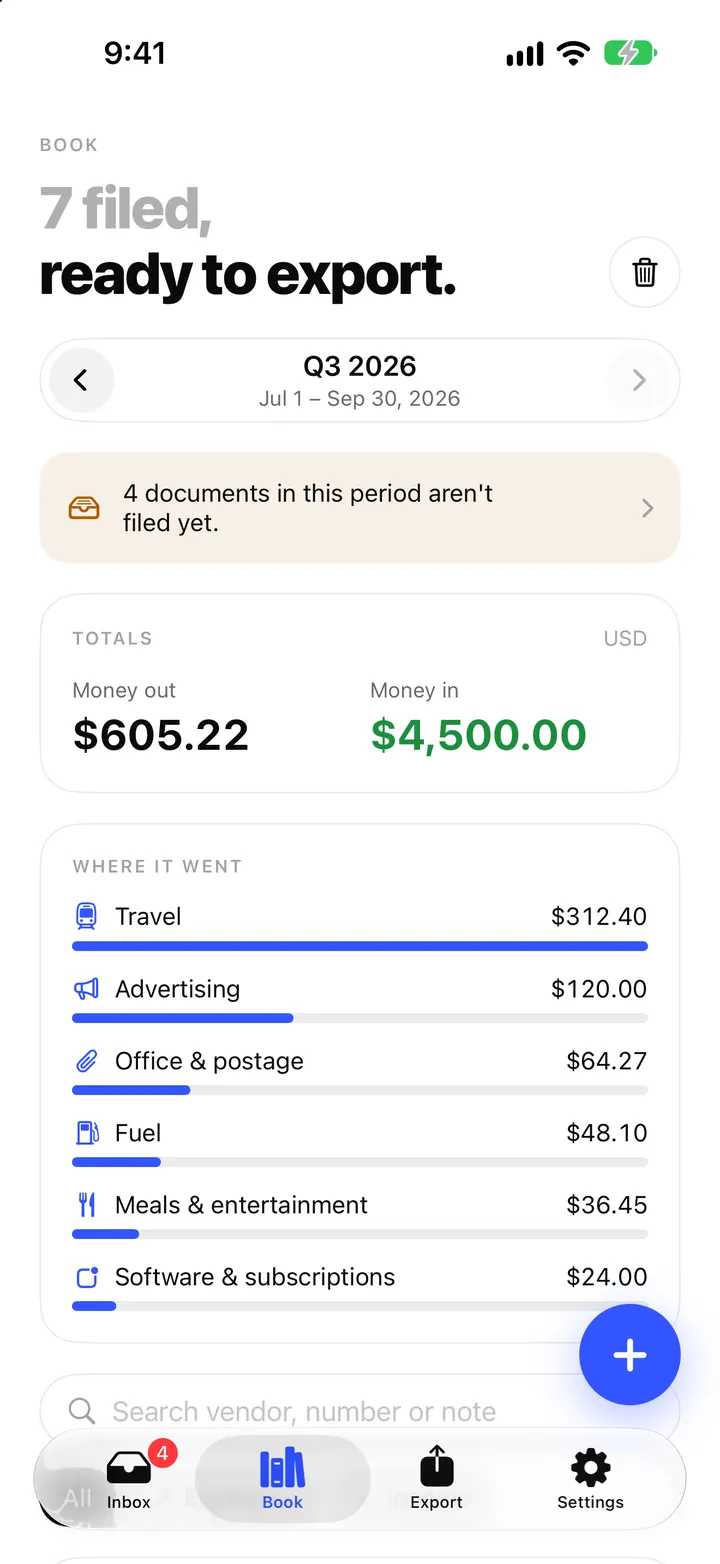
When your business is set to the United States, the Book tab adds a Schedule C card that puts your filed expenses on the matching Schedule C lines, with business meals counted at half. You can also log a business Trip by miles, and ReceiptBook works out the amount at the IRS standard mileage rate. It is an estimate based on IRS guidance and is not tax advice; you or your tax preparer make the final call.
If you file Schedule C, the hard part at tax time is rarely the form. It is finding a year of receipts and deciding where each one goes. ReceiptBook keeps the receipts on your iPhone, sorted by category as you confirm them, so the totals per line build up during the year instead of in April.
Setting up a US business
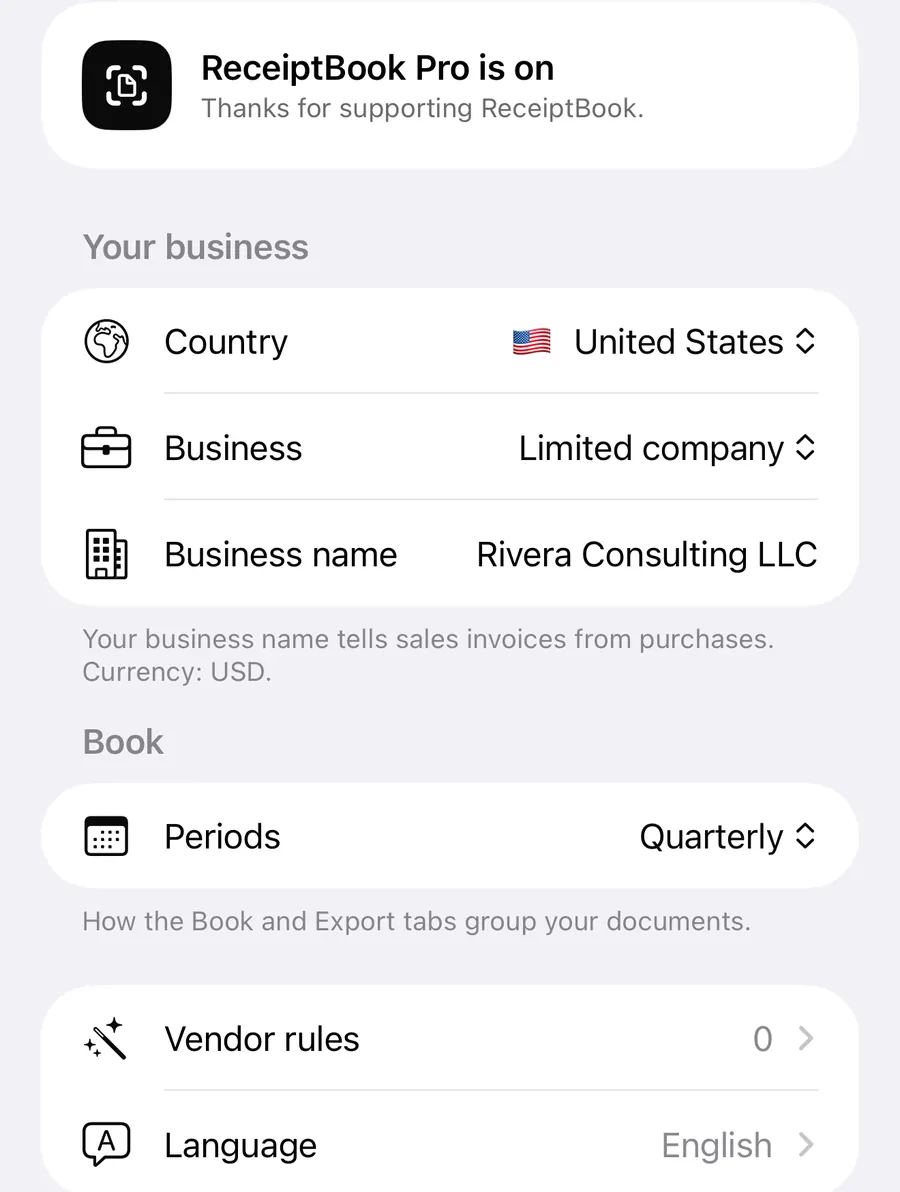
Choose United States as the country during setup, or later in Settings > Your business. A US profile works in dollars, uses sales tax instead of VAT, shows the EIN label for tax IDs and turns on three extras: the Schedule C card, mileage trips and US-specific receipt warnings. Deadline reminders follow the Form 1040-ES estimated tax dates; the countries and periods post covers those.
How the Schedule C card works
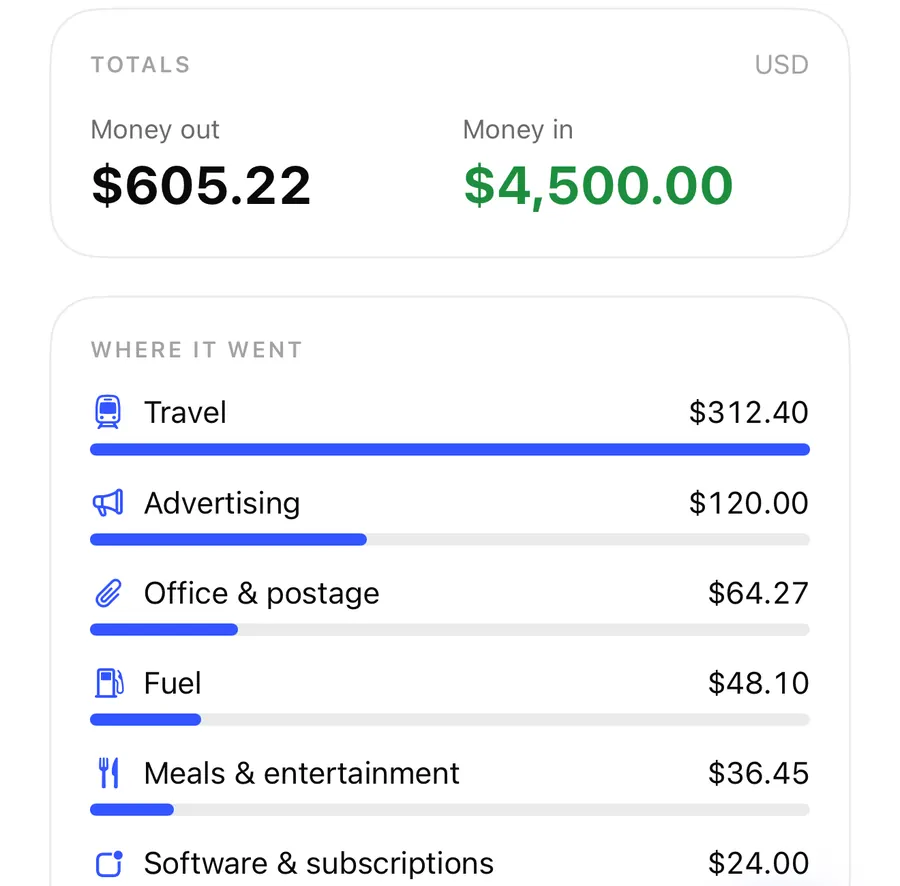
Every filed expense has a category, and each category maps to a line. Income goes to line 1, Gross receipts or sales. On the expense side, for example:
| Category in ReceiptBook | Schedule C line |
|---|---|
| Advertising | 8 Advertising |
| Vehicle costs, Fuel, mileage trips | 9 Car and truck expenses |
| Insurance | 15 Insurance (other than health) |
| Professional fees | 17 Legal and professional services |
| Office & postage | 18 Office expense |
| Rent & utilities | 20b Rent or lease of other business property |
| Repairs & maintenance | 21 Repairs and maintenance |
| Goods & materials | 22 Supplies |
| Travel | 24a Travel |
| Meals & entertainment | 24b Deductible meals |
| Phone & internet | 25 Utilities |
| Software, training, bank fees, other | 48 Other expenses (Part V) |
Each line shows the amount that counts, and line 9 also shows the miles from your trips. Some lines carry a short note: meals show half of what you paid, rent reminds you that utilities may belong on line 25, supplies note that goods you resell may belong in Part III, and other expenses remind you to list each kind in Part V. Custom categories count under the standard category they sit in, and a document used partly for personal purposes counts only its Business use share. The categories and split post explains both.
The card covers the period you are looking at, and says so: Schedule C covers the whole tax year, so switch the Book to Yearly or a custom range for the full picture. Expenses without a category aren't on any line yet; the card tells you how many there are.
Logging business trips by mileage
ReceiptBook can log a car trip without a receipt. Open Book, tap + (Add income or expense) and switch to Trip.
Log a business trip
- In the Book tab, tap + and choose Trip.
- Enter the Miles, the date, the Business purpose, and optionally the Starting point and Destination.
- Check the IRS standard mileage rate shown for that date and the Deduction it comes to.
- Tap Add. The trip is filed straight away and counts on line 9.
The rate comes from a table built into the app, picked by the trip's date. The IRS can change the rate, sometimes mid-year, so compare it with the current figure on irs.gov before you rely on it. Trips are marked as mileage in transactions.csv, so your preparer can tell them apart from fuel receipts.
Warnings that help with IRS records
US profiles get two extra checks. Neither blocks filing, because you may keep the records elsewhere:
- No business purpose: the IRS expects the business purpose of meals, travel and trips, and who attended a meal. Add them to the note, by typing or with Dictate.
- Keep the receipt: a typed-in expense of $75 or more, or any lodging, has no original in the app. Keep the paperwork where you can find it.
When you export a period that still has these gaps, the Export tab tells you how many expenses miss a purpose or a receipt. You can still export. The Check badges post explains the other warnings.
Exporting for your tax preparer
With ReceiptBook Pro, the accountant package includes Schedule C rows in summary.csv, one per line, with what was paid and what counts. The US also gets QuickBooks and Xero import files, described in bookkeeping software exports.
FAQ
Does ReceiptBook fill in Schedule C for me?
No. It shows an estimate of the totals per line from the documents you filed. You or your tax preparer copy what applies to the form.
Why are my meals only counted at half?
Line 24b, deductible meals, counts half of what you paid for business meals. The card shows both the amount paid and the half that counts.
Can I log mileage outside the US?
No. Trips at the standard mileage rate are a US feature and need a US business in dollars.
Does the Schedule C card show the whole year?
It shows the period selected in the Book. Choose a yearly period or a custom range from January 1 to December 31 for the full tax year.
Download ReceiptBook and let Schedule C build up through the year.
Keep reading
The Book in ReceiptBook: period totals, search, filters and project tags
See money in and out per period, VAT by rate and where it went by category, find any receipt by vendor or amount, and tag costs by project in ReceiptBook.
ReadCategories, split receipts and business use percentage in ReceiptBook
Sort receipts into standard categories or your own, split one receipt across several categories, and count only the business share of a phone or car bill.
Read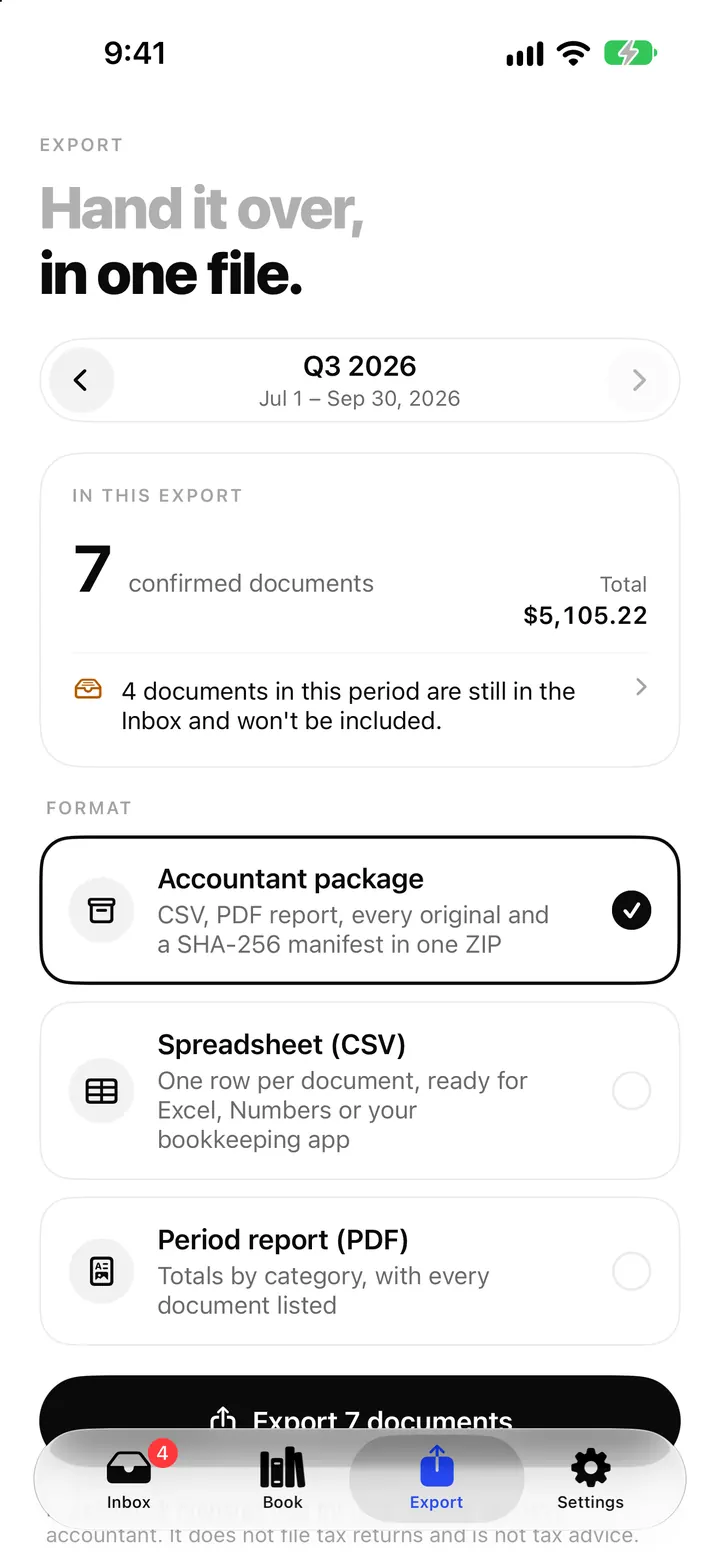
Export receipts for Xero, QuickBooks, FreeAgent, DATEV and FEC
ReceiptBook makes import files for Xero, QuickBooks, FreeAgent, DATEV, lexoffice, sevDesk and the French FEC, matched to your country. Here is what each holds.
ReadHow to Separate Personal and Business Expenses in ReceiptBook
Label personal, business and mixed receipts in ReceiptBook without hiding the source or making unsupported tax conclusions.
Read guide