The Book in ReceiptBook: period totals, search, filters and project tags
See money in and out per period, VAT by rate and where it went by category, find any receipt by vendor or amount, and tag costs by project in ReceiptBook.
Short answer
The Book tab holds every document you have confirmed, grouped by your period (monthly, quarterly or yearly). At the top you see Totals for money in and out, VAT by rate, Where it went by category and By property or project. Below, you can search by vendor, amount, number or text and filter by category, status or tag. Search and filters are free.
The Inbox is where documents wait to be checked. The Book is where they live afterwards. ReceiptBook keeps it organized by the period your accountant works in, so the screen you look at is the same slice of time you'll export.
Periods and the period arrows
The Book opens on the current period, for example Q3 2026 with its dates underneath. Use the arrows to step back to earlier periods. The period length comes from Settings > Periods: Monthly, Quarterly or Yearly, and in the UK you can also follow the UK tax year from April 6.
When you need a range that doesn't match a period, such as a whole project or a financial year that starts in July, choose Custom range. Pick the dates, tap Show these dates, and both Book and Export show the documents dated in that range, both days included. Tap the close button next to the dates to go back to normal periods.
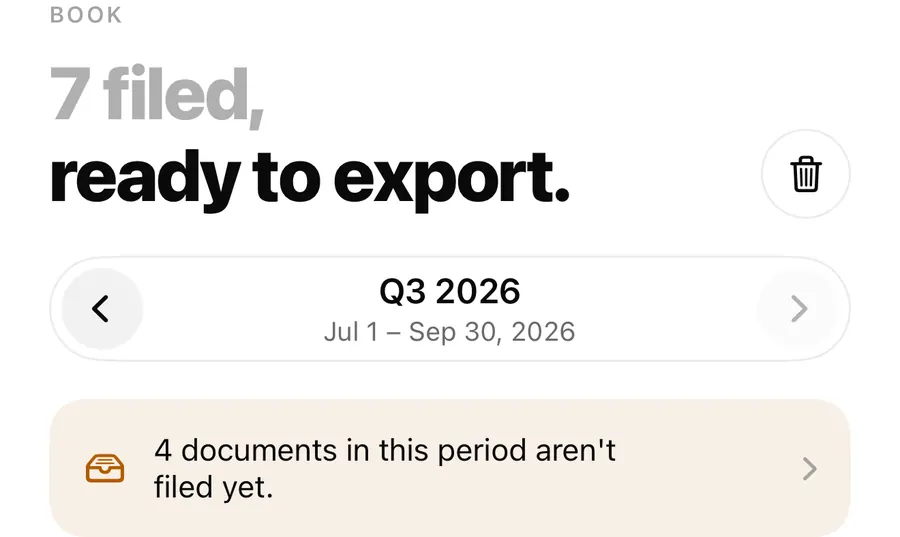
If documents dated in the period are still in the Inbox, a banner tells you how many aren't filed yet. Tap it to see them; they won't be in the totals or the export until you do.
The cards
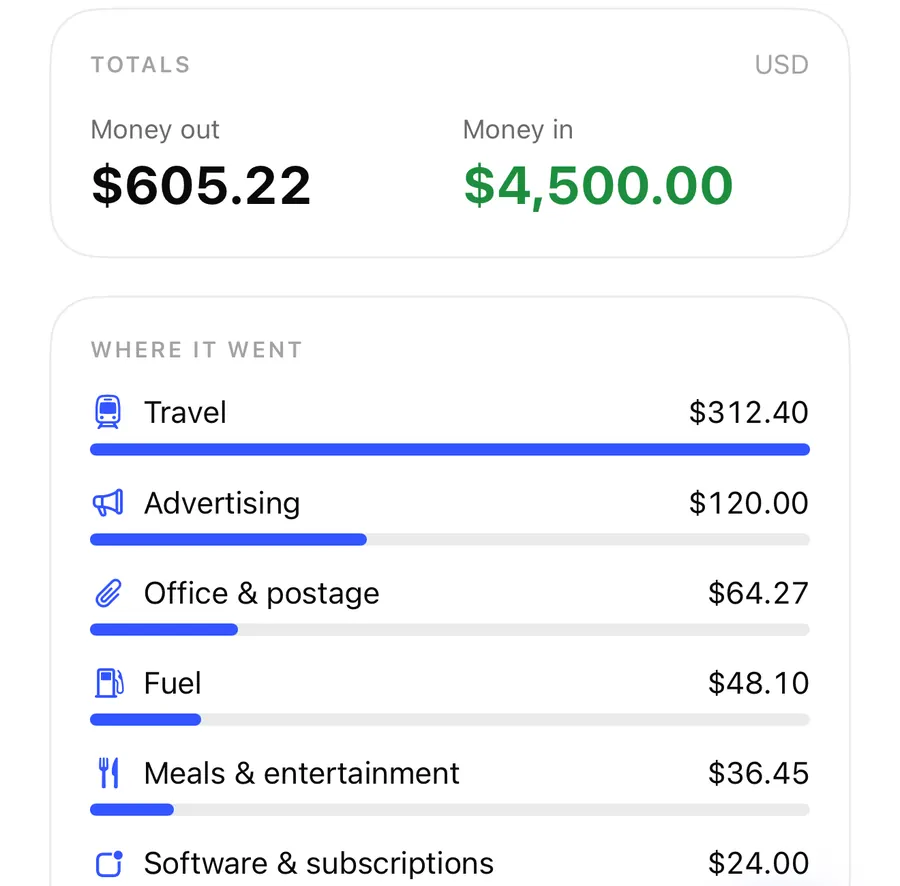
Totals
Money out, Money in and the Balance for the period, in your home currency. In VAT countries the card also shows the VAT on expenses. If some documents use part of their amount for private purposes, the card notes that totals count the business share. Documents in another currency without an exchange rate are listed apart, with their own totals; see foreign currency and VAT rates.
VAT by rate
For VAT-registered businesses, a card shows net and VAT for each rate, on expenses and on income, for example 19 % and 7 % in Germany, from the rates read on each document and only for the business share. ReceiptBook reminds you to check them before you file. Germany's Kleinunternehmer setting counts every document in full, with no VAT.
Where it went
Money out by category, with a bar for each, largest first. The first six categories are shown, then a line with how many more there are. A split receipt counts each part under its own category. A document filed without a category shows as No category in amber, so you can fix it before the export.
By property or project
If you rent out a flat, run two job sites, or bill clients by project, tag documents with a Property or project in review. The Book then shows money in and out per tag. Tap a tag in the card to narrow the list to it, tap again to show everything. In the exports, every row gets the tag as a column and summary.csv totals by tag.
Country cards add to this: US profiles get a Schedule C card (see Schedule C and mileage), and Vietnamese household businesses get Revenue this year.
Search and filters
Find a receipt in the Book
- Open the Book and pick the period, or a Custom range covering the date you think it was.
- Type in Search vendor, amount, number or text: a vendor name, an invoice number, or an amount like 27.56.
- Narrow it with All, Expenses or Income.
- Use the category menu (All categories, one category, or No category) and the Status menu (Any status, Looks right, Needs review).
- If you use tags, pick one in the property or project menu. Tap Clear filters when nothing matches.
Search is generous with amounts. Typing 12 finds anything from 12.00 to 12.99, while 12.50, 12,50 and €12.50 find exactly 12.50, with either decimal separator. Refunds and credit notes match by size. Words are also searched in the text read from the receipt itself, so you can find the hardware store receipt with the extension cord even if you forgot the store's name.
Needs review finds documents you filed with Confirm anyway while something was still marked; it is a quick last check before an export.
Adding entries in the Book
The + button on the Book is Add income or expense: a payment from a customer, or a cost without a receipt, typed in by hand. Typed-in entries have no original, so keep the paperwork where you can find it. The trash button at the top opens Recently Deleted, where documents stay for 30 days.
FAQ
Why is a receipt missing from my totals?
Most often it is still in the Inbox, or it's dated in another period. Check the banner at the top of the Book and step through the periods with the arrows.
Can I see a whole year when my periods are quarterly?
Yes. Choose Custom range and pick January 1 to December 31. The Export tab uses the same range until you go back to periods.
Can I search the text on the receipt, not only the vendor?
Yes. Words you type are also looked up in the text read from the original, so a product name printed on the receipt can find it.
Do property or project tags show up in the export?
Yes. Each row in transactions.csv has the tag, and summary.csv has totals per tag. See the accountant package post.
Download ReceiptBook and see where this quarter's money went.
Keep reading
Categories, split receipts and business use percentage in ReceiptBook
Sort receipts into standard categories or your own, split one receipt across several categories, and count only the business share of a phone or car bill.
Read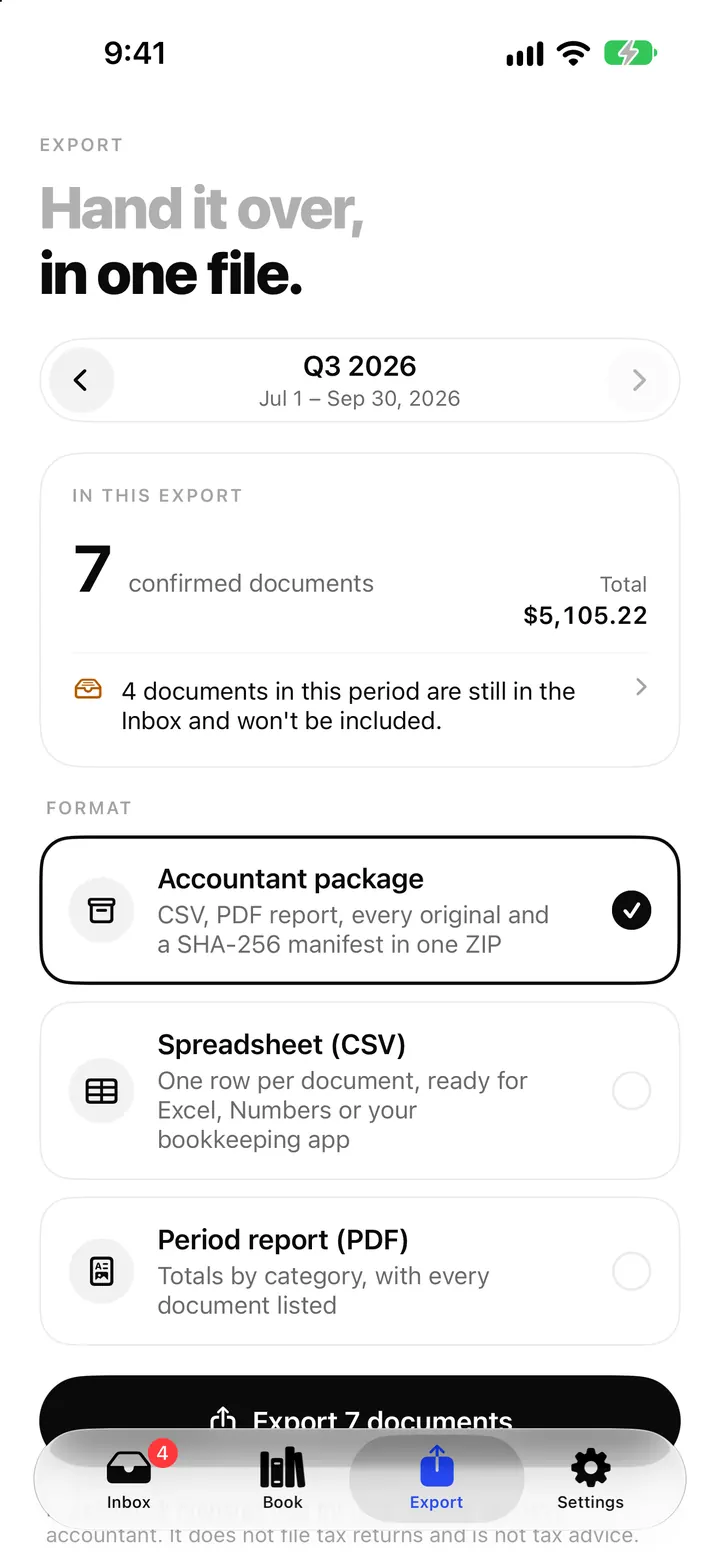
The accountant package: export a whole period as one ZIP from ReceiptBook
Export a period as one ZIP with transactions.csv, summary.csv, a PDF report, every original and a SHA-256 manifest, or as CSV, Excel or PDF, all on your iPhone.
Read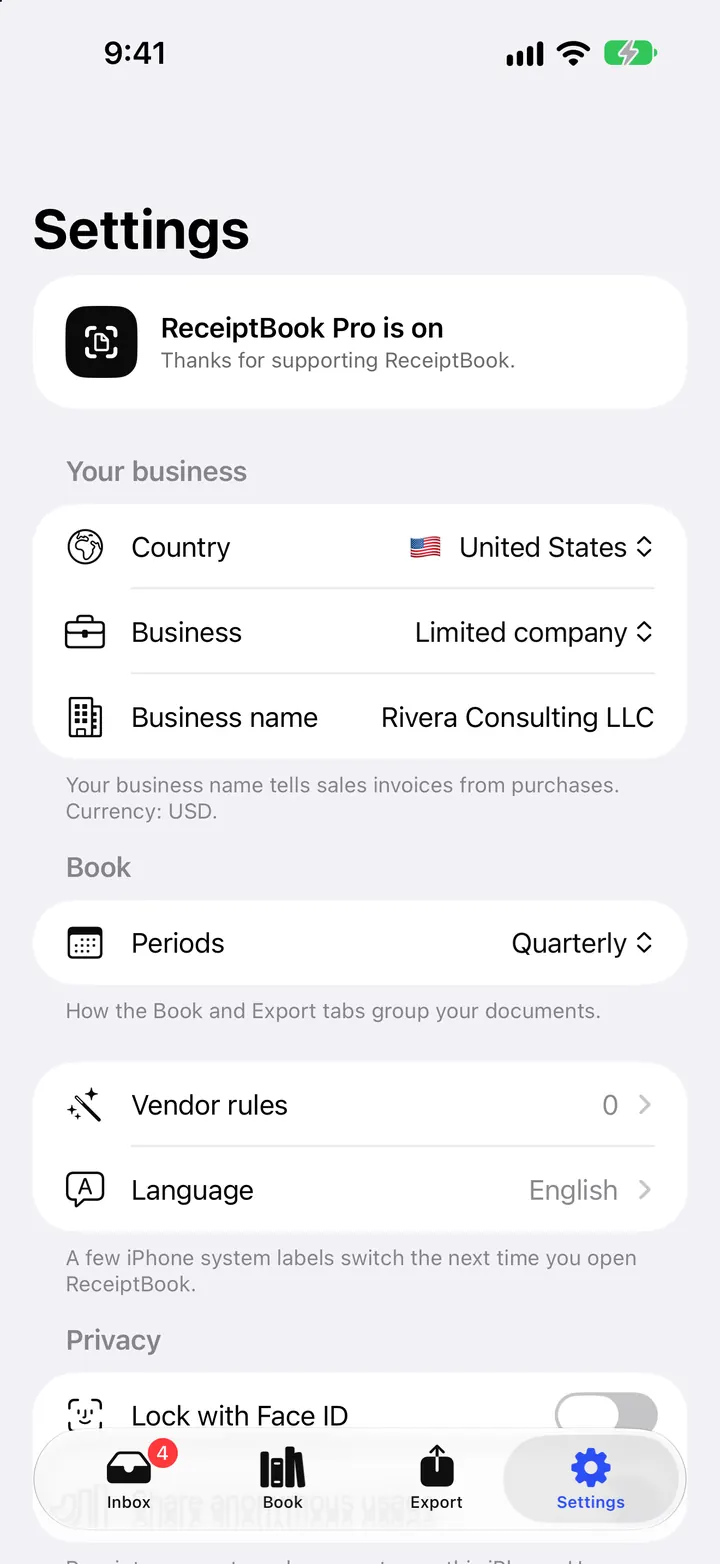
Countries, periods and deadline reminders in ReceiptBook
Set your country, business type and period in ReceiptBook, monthly, quarterly, yearly or the UK tax year, and get a reminder 7 days before each usual deadline.
ReadWhat is a VAT period? Choose the right period before exporting
Learn what a VAT period is, why dates and country matter in ReceiptBook and how to check an expense package before sending it to an accountant.
Read guide