ReceiptBook Pro: what it adds, the plans, and what stays free
Scanning, reading, the Inbox, the Book and exporting your originals are free in ReceiptBook. Pro adds accountant exports, auto-categories and more businesses.
Short answer
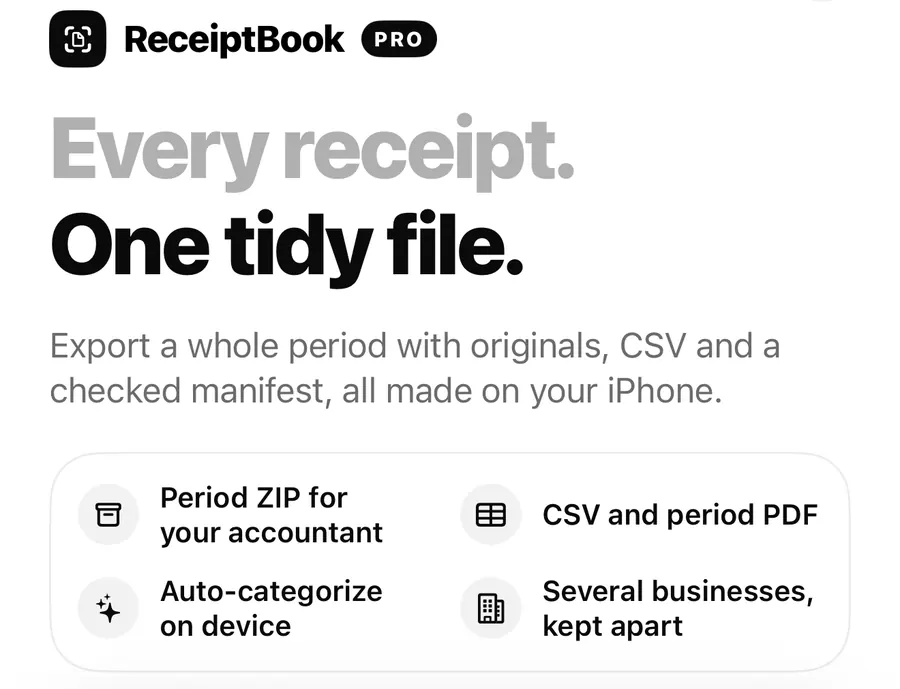
Everything you need to capture and keep receipts is free in ReceiptBook: every way to add a document, on-device reading, the Inbox, the Book, rules, backup, Face ID and Export all originals. ReceiptBook Pro adds the period exports for your accountant, automatic categories, Apple Intelligence reading and more than one business. It comes as a yearly plan with a 7-day free trial, a monthly plan with an introductory price for the first 3 months, or a one-time lifetime purchase.
The paywall puts it in one line: scanning and reading stay free; Pro builds the file your accountant asks for. This post spells out where that line sits, so you can decide whether you need Pro at all. Current prices are shown in the app and on the ReceiptBook pricing section.
What is free
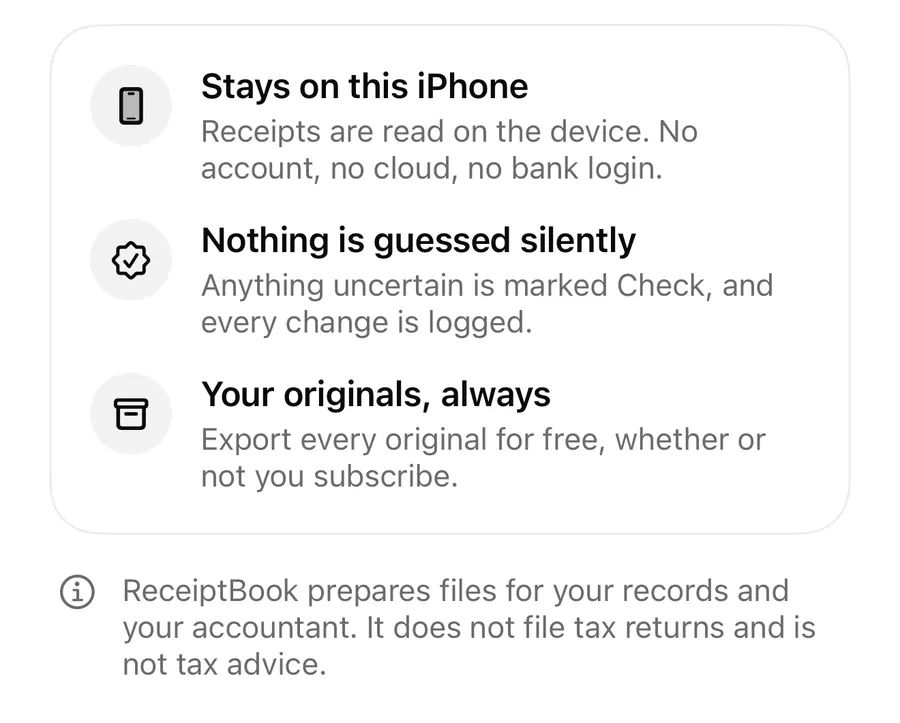
You can use ReceiptBook for years without paying, and your records stay complete:
| Area | Free |
|---|---|
| Capture | Scan a receipt, Choose from Photos, Import PDF or e-invoice, Import a folder, the share sheet, Lock Screen capture, the widget and the Scan receipt control |
| Reading | On-device text recognition, PDF text, exact reading of e-invoices and fiscal QR codes, Check badges and field sources |
| Filing | The Inbox, review, Confirm all, vendor rules and category rules, your own categories, splits, business use, exchange rates |
| Book | Totals, Where it went, search, filters, custom ranges, the US Schedule C card and mileage trips |
| Sharing | Share as PDF and Share original for a single document, and Export all originals at any time |
| Safety | Face ID lock, encrypted backup and restore, integrity check, history, Recently Deleted |
| Extras | Deadline reminders, dictated notes, Siri and Shortcuts, Spotlight, one business |
Export all originals in Settings > Data gives you every receipt and invoice exactly as captured, in one ZIP with a SHA-256 list. It is free, always, whether or not you ever subscribe.
What Pro adds
The paywall lists four things:
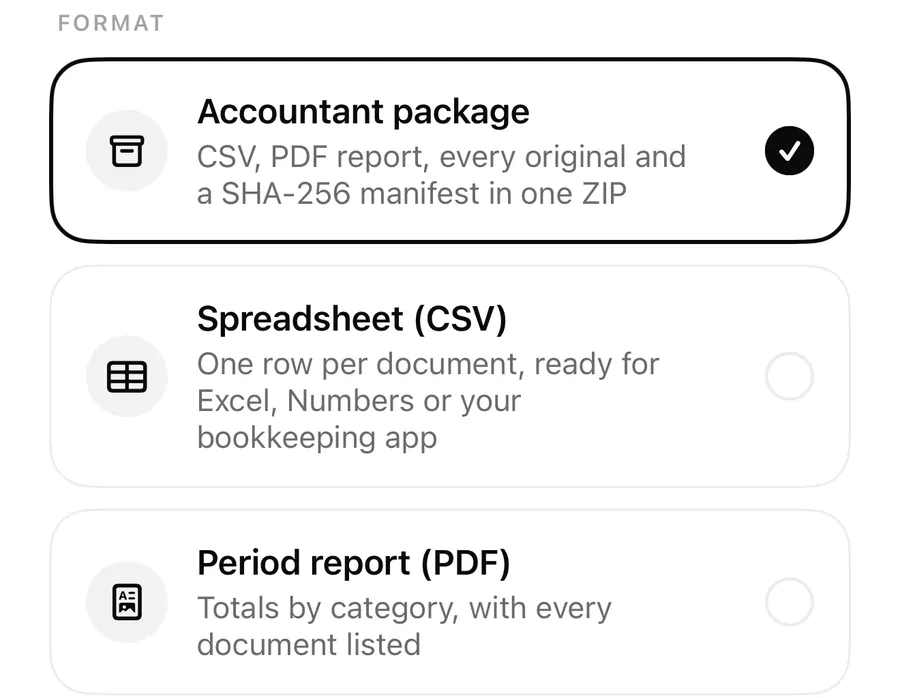
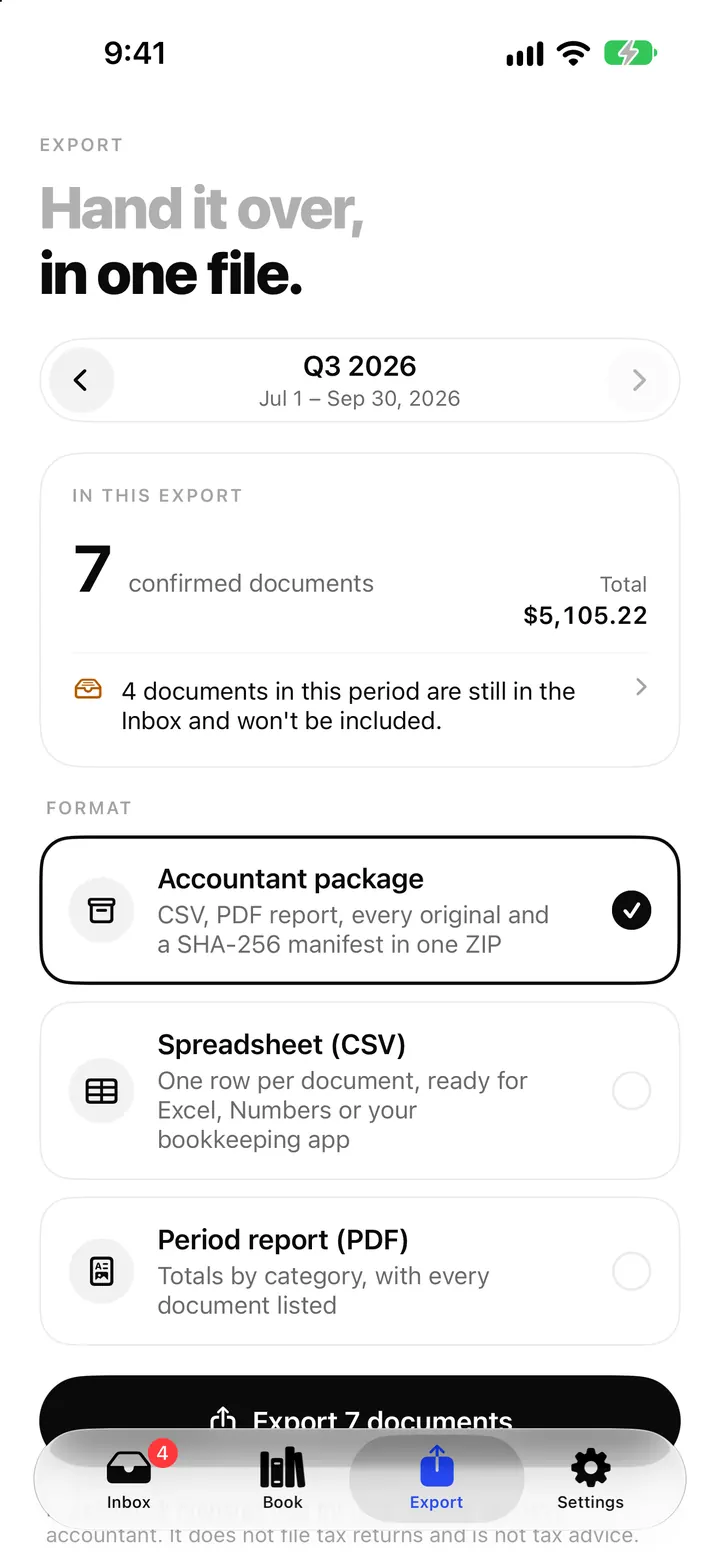
- Period ZIP for your accountant: the accountant package with transactions.csv, summary.csv, the period PDF, audit.csv, every original and a SHA-256 manifest. The accountant package post opens it up.
- CSV and period PDF: the standalone Spreadsheet (CSV), Spreadsheet (Excel) and Period report (PDF) for any period, plus the files for bookkeeping software in your country (Xero, QuickBooks, FreeAgent, DATEV, lexoffice, sevDesk, FEC or the Vietnamese household book).
- Auto-categorize on device: keyword and merchant categories for new documents, after your own vendor and category rules, and Apple Intelligence reading and suggestions on iOS 26 where it's available. See the Apple Intelligence post.
- Several businesses, kept apart: more than one business, each with its own documents, rules and exports, as described in income and several businesses.
Without Pro, the period formats on the Export tab carry a Pro badge and the export button opens the paywall. Everything else on the tab, such as the In this export summary, still works, so you can check a period before you decide.
The plans
ReceiptBook Pro is the same whichever plan you pick:
- Yearly, with a 7-day free trial.
- Monthly, with an introductory price for the first 3 months.
- Lifetime, a one-time purchase for people who'd rather buy software once.
Prices depend on your App Store country and appear on the paywall before you buy. Purchases and renewals go through your Apple ID, not through a ReceiptBook account; there isn't one.
Upgrade, restore or manage Pro
- Open Settings and tap Upgrade on the ReceiptBook Pro row, or try to export a period on the Export tab.
- Pick a plan and confirm with your Apple ID.
- On a new iPhone or after reinstalling, tap Restore purchases in Settings > Data.
- Have an offer code? Use Redeem offer code on the paywall or in Settings > Data.
- To change or cancel a subscription, use Manage subscription in Settings.
When Pro is active, Settings shows ReceiptBook Pro is on.
If Pro ends
Nothing you captured is held back. If a subscription lapses:
- every document, original, rule, category and business stays on your iPhone,
- the Inbox, the Book, backup and Export all originals keep working,
- period exports lock again and show the Pro badge,
- automatic and Apple Intelligence categorizing stop for new documents, while categories already set stay,
- you can still switch between your existing businesses, but can't add another.
Exports you made while on Pro stay under Past exports.
FAQ
Do I need Pro to scan receipts?
No. Scanning, importing, reading, reviewing and filing are all free.
Can I get my receipts out without Pro?
Yes. Export all originals makes a ZIP of every original with a SHA-256 list, and you can share any single document as a PDF or as its original.
What happens to my data if I cancel?
It stays. Only the period exports, automatic categorizing and adding businesses stop.
Does the lifetime plan include future Pro features?
Lifetime is a one-time purchase of ReceiptBook Pro. Check the paywall for what it includes at the time you buy.
Download ReceiptBook, start free, and add Pro when your accountant asks for the file.
Keep reading
The accountant package: export a whole period as one ZIP from ReceiptBook
Export a period as one ZIP with transactions.csv, summary.csv, a PDF report, every original and a SHA-256 manifest, or as CSV, Excel or PDF, all on your iPhone.
Read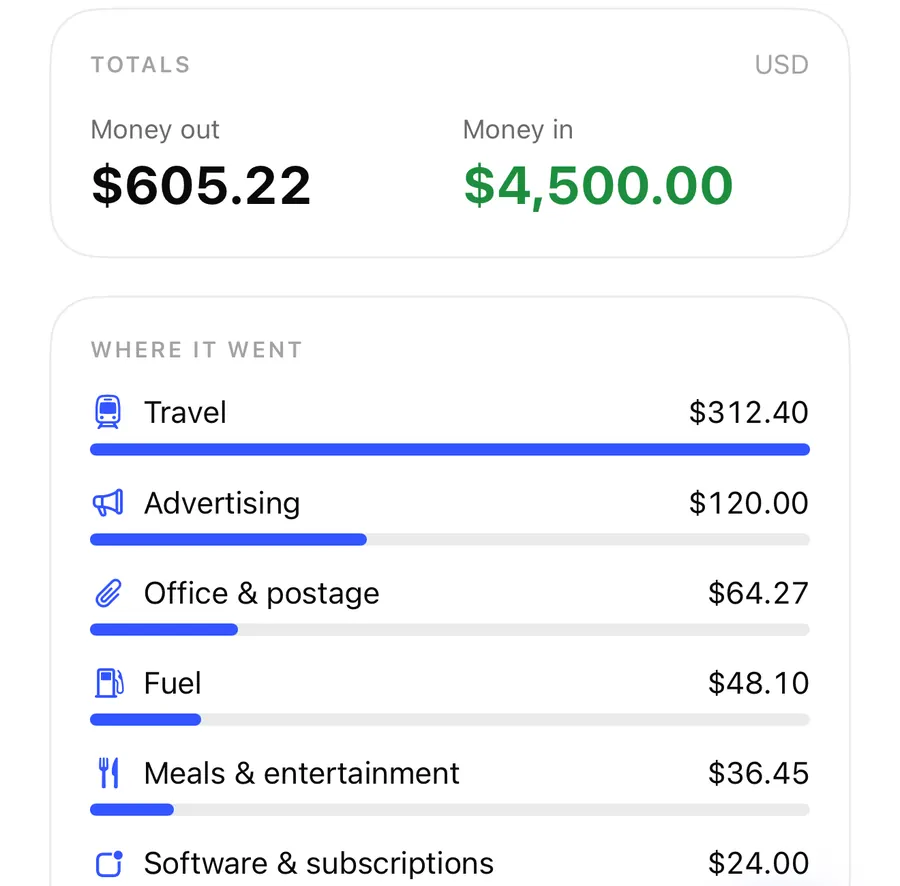
Track income and keep several businesses apart in ReceiptBook
ReceiptBook files your sales invoices as income, lets you add money in or out by hand, and keeps a second business in its own books, rules and exports.
ReadApple Intelligence receipt reading in ReceiptBook: what it fills in
With ReceiptBook Pro on iOS 26, Apple Intelligence fills gaps in vendor, date, total and category on your iPhone, and what it alone found is marked Check.
ReadReceiptBook Free vs Pro: Which Receipt Workflow Do You Need?
Compare ReceiptBook Free and Pro by document input, accountant packages, CSV, PDF and supported on-device reading features.
Read guide