Every receipt,ready for your accountant.
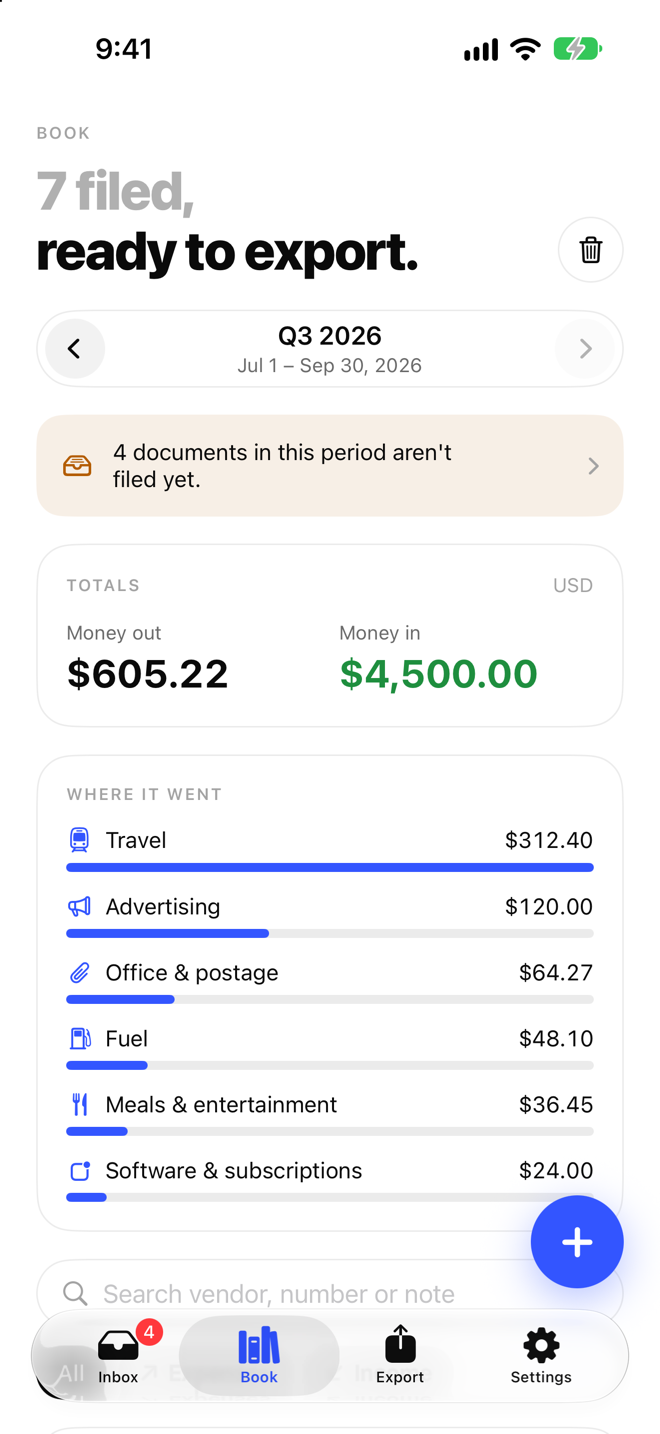
Scan receipts and import e-invoices. ReceiptBook reads them on your phone, files them by period and hands over one clean package when it’s time to do the books.
Free to download. No account. Nothing leaves your phone until you share it.
A shoebox of receipts,turned into one tidy file.
Made for freelancers, sole traders and small businesses who would rather hand over a clean file than a carrier bag.
Features
Everything in one book.Nothing in the cloud.
-
Scan, pick or open
Scan paper receipts with the camera, pick photos, or open PDFs, images and XML e-invoices straight from Mail, Files or other apps.
-
Read on your phone
Vendor, date, totals and VAT are read on the device. Receipts, amounts and names are never uploaded.
-
Nothing guessed silently
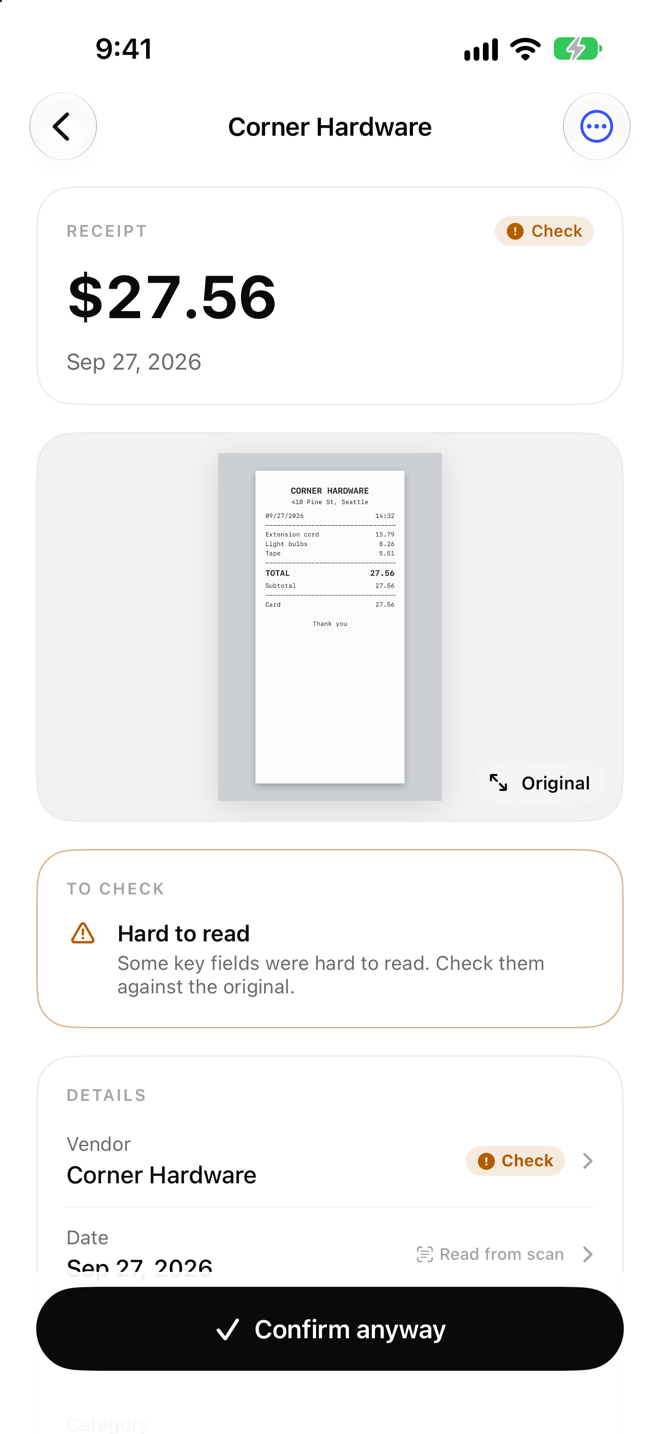
Anything uncertain is marked Check so you can confirm it, and every change is logged with its time and source.
-
Periods and VAT that fit
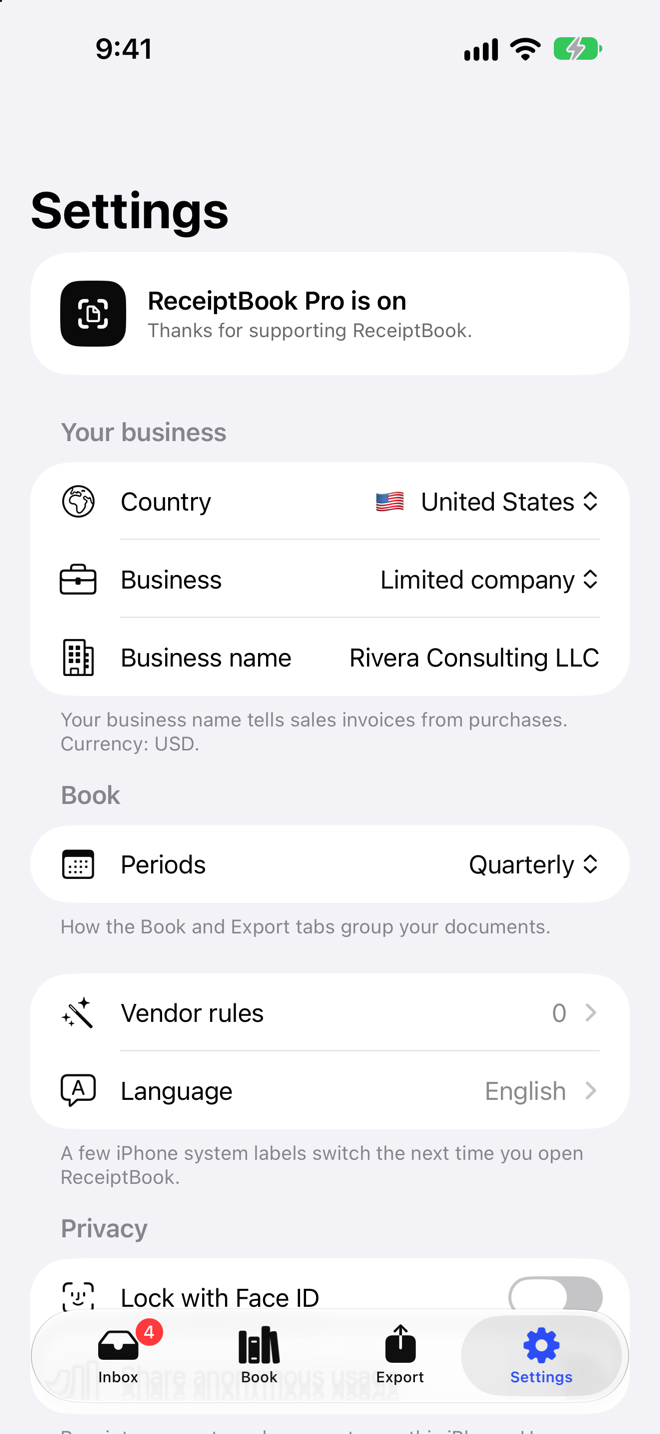
Monthly or quarterly periods, the UK tax year, and VAT rates for the UK, Germany and France. Sales tax for the United States.
-
Categories your accountant can use
Sixteen expense categories plus income, each with a stable code. Set a rule once and a vendor is filed the same way every time.
-
Your originals, always
Export every original with a SHA-256 checklist for free, whether or not you ever subscribe.
How it works
Capture. Check.Hand it over.
-
Capture
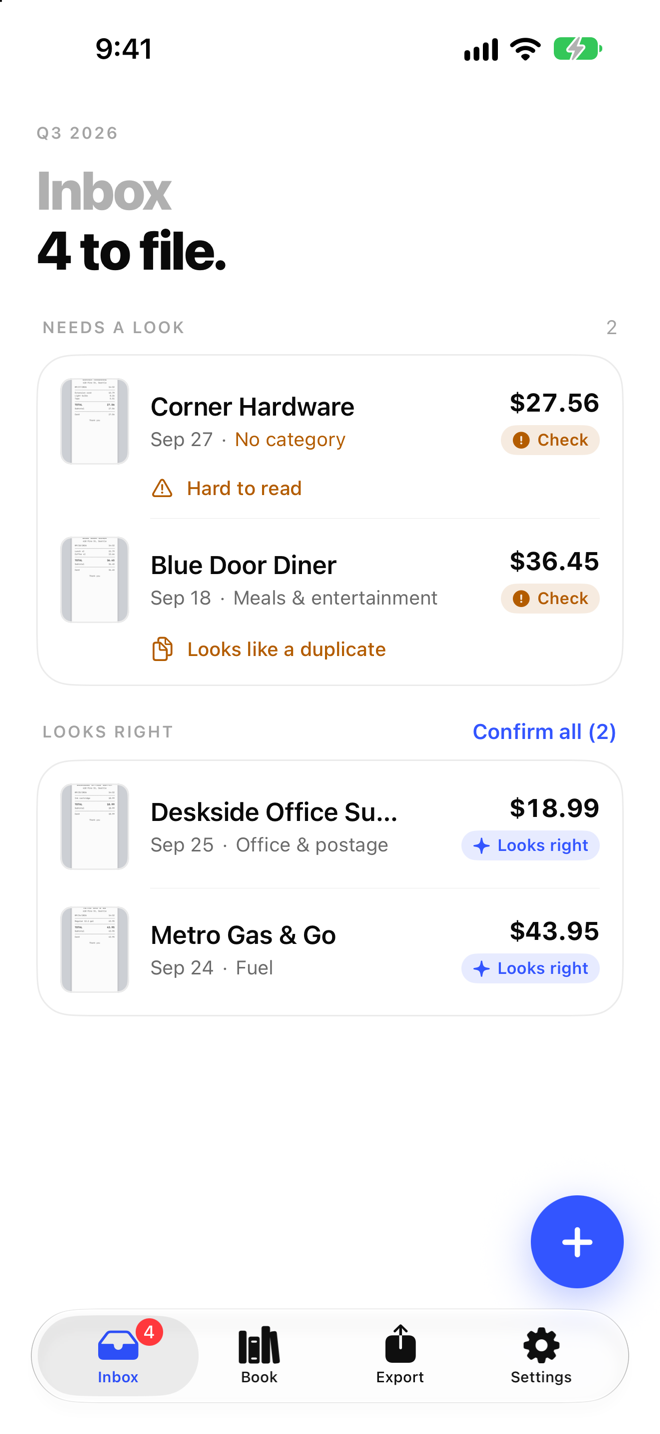
Scan a receipt, pick a photo or open an e-invoice from Mail or Files. It lands in your inbox.
-
Check
ReceiptBook fills in vendor, date, amounts and VAT. Confirm anything marked Check and the document is filed in the right period.
-
Export
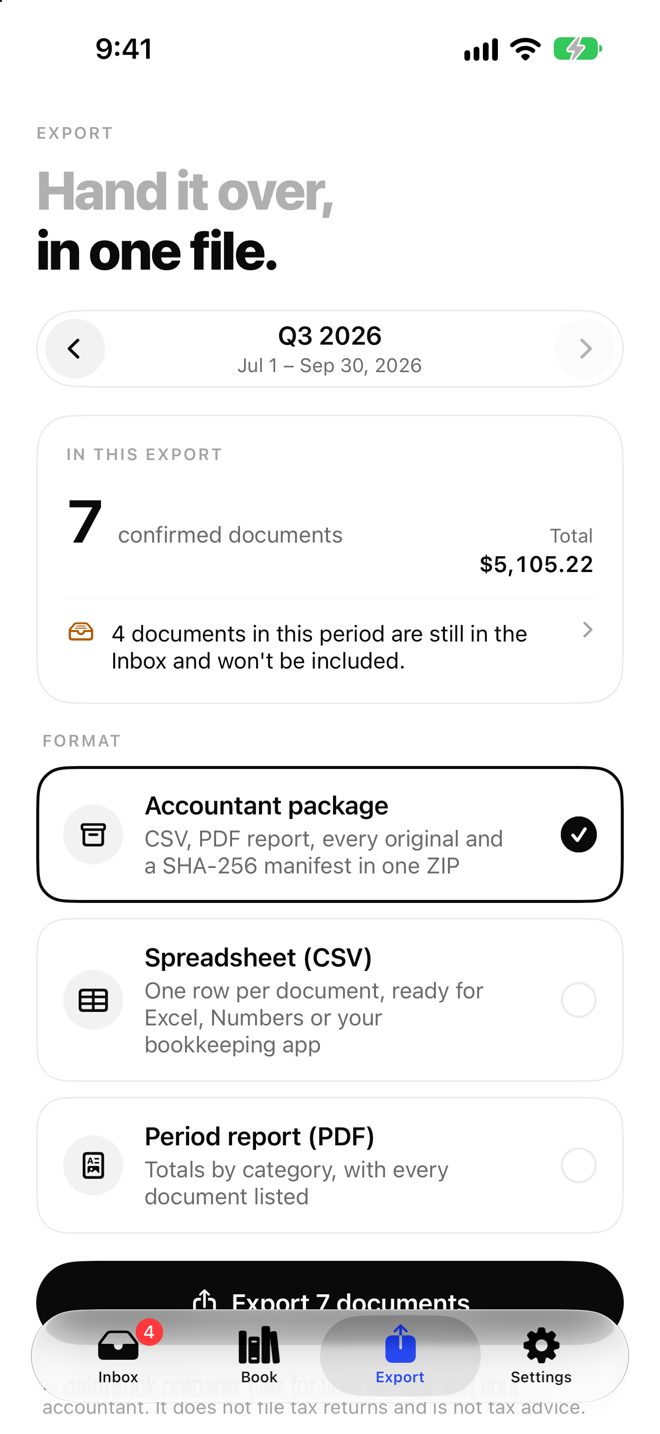
At the end of the period, export one package: CSV, a PDF report, every original and a SHA-256 manifest. Send it however you like.
Screenshots
A closer lookat ReceiptBook.
Pricing
Scanning stays free.Pro builds the file.
Capture, reading and your originals are free. Pro adds the period exports your accountant asks for.
Free
$0
- Scan, photo and file import, including XML e-invoices
- On-device reading of vendor, date, totals and tax
- Inbox, book and periods
- Vendor rules you set yourself
- Export every original, with a SHA-256 list
- Face ID lock
No account and no ads.
ReceiptBook Pro
Hand it over in one tap.
Everything in Free, plus:
- Accountant package: CSV, PDF report, originals and a SHA-256 manifest in one ZIP
- Spreadsheet (CSV) for Excel, Numbers or your bookkeeping app
- Period report (PDF) with totals by category, and by VAT rate where VAT applies
- Automatic categories, worked out on your phone
- Extra on-device reading on iPhones with Apple Intelligence
-
Yearly 7-day free trial
Best value, billed once a year
$39.99per year
-
Monthly 50% off for 3 months
$4.99 a month for the first 3 months, then $9.99 a month
$9.99per month
-
Lifetime
One payment, nothing renews
$79.99once
Cancel anytime in your App Store or Google Play settings.
Prices in USD; your store shows the price for your country or region. Payment is charged to your Apple ID or Google Play account. Subscriptions renew automatically unless cancelled at least 24 hours before the end of the current period, and you can manage or cancel them anytime in your store account settings. If you start the free trial, the yearly plan begins when the trial ends unless you cancel before then. The monthly introductory price is for new subscribers: $4.99 a month for the first 3 months, then $9.99 a month. Lifetime is a one-time purchase that doesn’t renew.
Privacy
Your books are yours.They stay on your phone.
-
Stays on your phone
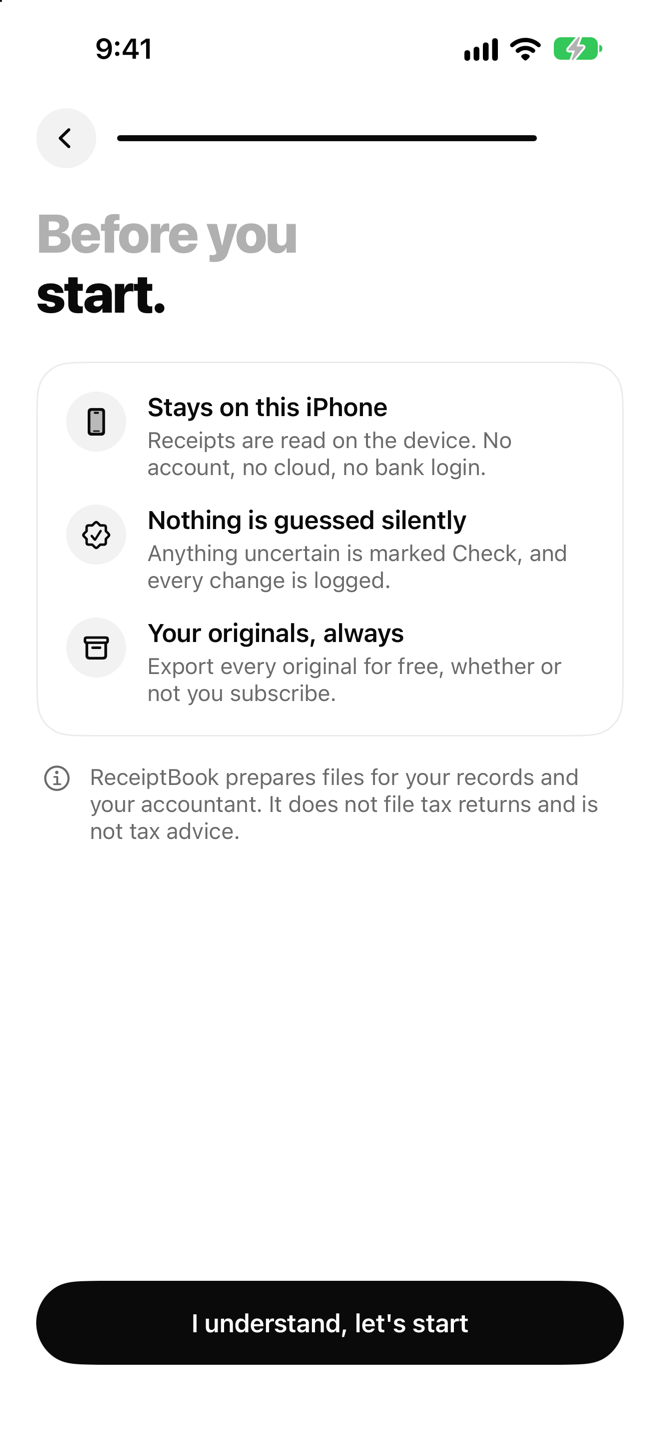
Receipts, amounts and names are stored and read on the device. There is no ReceiptBook server.
-
No account
No sign-up, no password and no bank login. Open the app and start.
-
No ads, no tracking
No advertising and no tracking across other apps or websites.
-
Face ID lock
Keep the book locked with Face ID, even when someone else is holding your phone.
Anonymous usage stats, your choice
We count which screens and features are used and collect crash reports, never what is on your receipts. Turn it off anytime in Settings.
Who is ReceiptBook for?
Freelancers, sole traders and small businesses who keep their own receipts and invoices and hand them to an accountant or bookkeeper at the end of a month, quarter or year.
Do I need an account?
No. There is nothing to sign up for and no bank to connect. Your book lives on your phone.
What can I bring in?
Paper receipts scanned with the camera, photos from your library, and PDFs, images and XML e-invoices opened from Mail, Files or other apps.
Which countries does it support?
ReceiptBook is set up for the United Kingdom, Germany, France and the United States: the right currency, VAT rates (or US sales tax), period lengths including the UK tax year from 6 April, and CSV files formatted the way each country expects.
What is in the accountant package?
One ZIP for the period with:
- transactions.csv, one row per document and VAT rate
- summary.csv, totals by category and VAT rate
- period.pdf, the same totals and a list of documents
- audit.csv, every change made, with time and source
- every original, exactly as captured or received
- manifest.csv, the size and SHA-256 of every file
Does ReceiptBook file my taxes?
No. ReceiptBook prepares files for your records and your accountant. It does not file tax returns and is not tax advice. Always check the figures before you rely on them.
What happens if I stop paying for Pro?
Your documents stay on your phone and you can keep capturing and reading them. Exporting every original stays free, always.
How do I delete my data?
Go to Settings and tap Erase all data. This deletes every document, original and rule on your phone. Deleting the app does the same.
Which phones does it run on?
ReceiptBook for iPhone needs iOS 18 or later. The extra on-device reading in Pro needs an iPhone that supports Apple Intelligence; everything else works without it.
Close the shoebox.Open the book.
Download ReceiptBook for free. Pro starts with a 7-day free trial.