Foreign currency receipts and VAT rates in ReceiptBook
Handle receipts in another currency with the rate your bank charged, read several VAT rates on one receipt, and catch VAT that doesn't add up in ReceiptBook.
Short answer
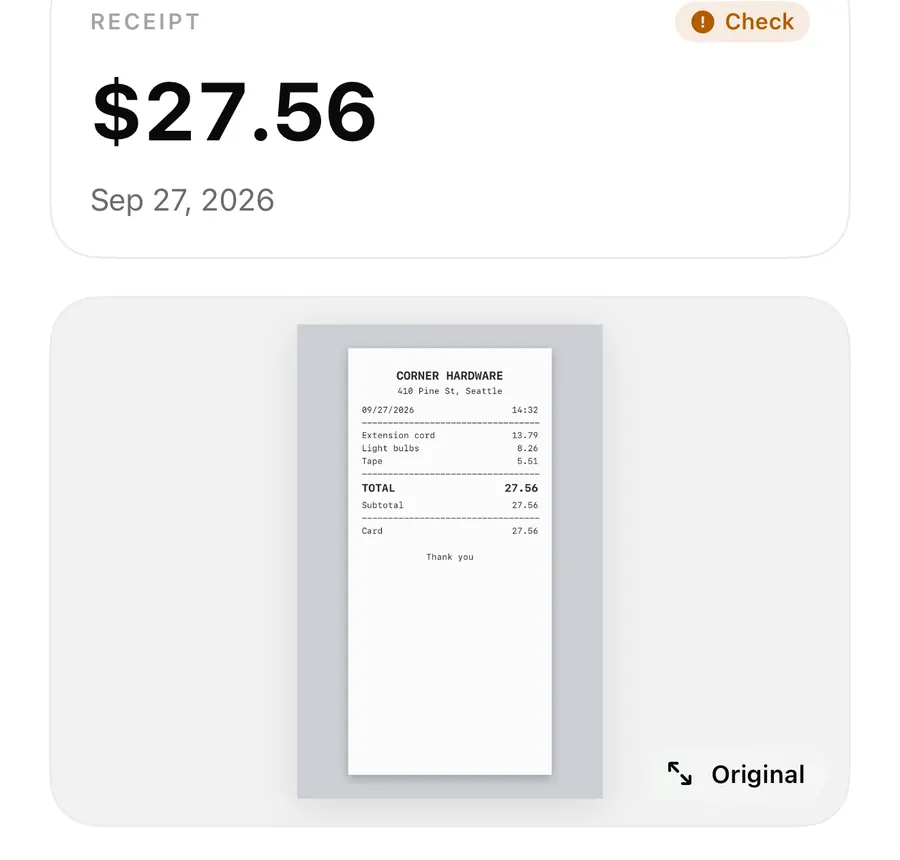
ReceiptBook reads the currency and every VAT rate on a receipt. A document in another currency than your home currency gets the Foreign currency warning, and you enter the Exchange rate yourself, ideally the one your bank charged; there is no automatic rate lookup. On the VAT side, the app checks that net plus VAT equals the total and flags VAT doesn't add up and Unusual VAT rate.
A hotel in Zurich, a software subscription billed in dollars, a German receipt with food at 7 % and drinks at 19 %. These are the receipts that cause questions at the end of the quarter. ReceiptBook catches them while the receipt is still in your hand.
Your home currency
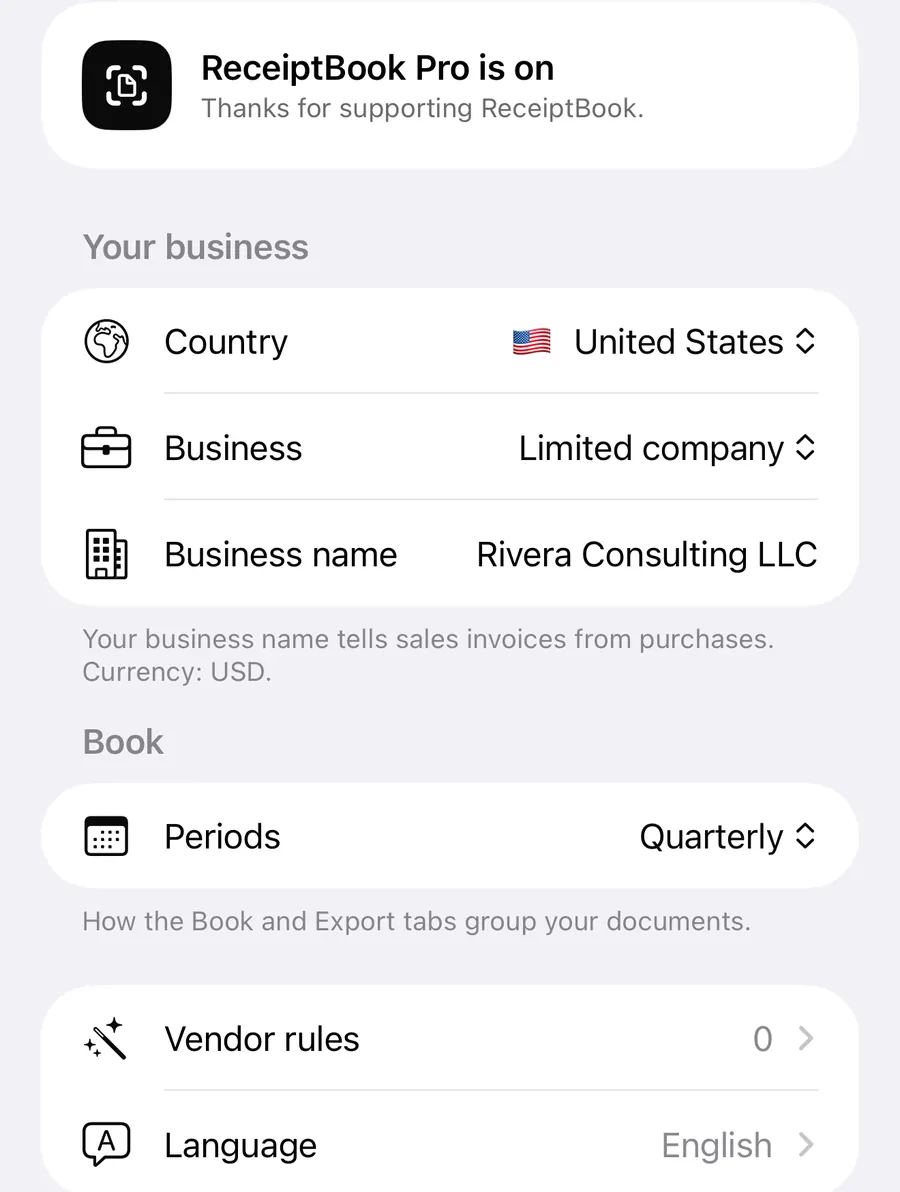
Your business has a home currency, set in Settings > Your business > Home currency. It starts from your country, and you can choose GBP, EUR, USD, CHF, VND, PLN, SEK, DKK, NOK, CZK or HUF. The Book's totals and the exports are in this currency. The footer under your business details shows which one is in use.
Receipts in another currency
ReceiptBook reads the currency from the receipt. If it's wrong, open the total and change the currency next to the amount. When a document's currency differs from your home currency, it gets the warning Foreign currency, because your accountant may need the amount in your own currency.
Add the exchange rate to a foreign receipt
- Open the document from the Inbox or the Book.
- Tap Exchange rate in the details. It only appears when the currency differs from your home currency.
- Enter the rate in the form 1 CHF = … EUR. Either decimal separator works.
- Check the line underneath, which shows the converted total, for example what 84.00 CHF is in euros.
- Save. Tap Remove the rate later if you entered the wrong one.
Which rate to use? The app's own advice: use the rate your bank charged, or the one your tax office publishes. Your bank or card statement shows the first; ask your accountant if they prefer the second. ReceiptBook doesn't fetch rates from the internet, which also means no receipt data leaves your iPhone to look one up.
What happens to the converted amount
The Book counts the document at the rate you entered, together with any business-use share. The exports keep the original amount, the currency, the rate and the converted amount, so nothing is hidden from your accountant.
Documents without a rate are not converted with a guess. The Book lists them apart, with their own totals per currency. Before an export, In this export tells you how many documents in another currency have no exchange rate yet; totals list them apart and the bookkeeping-software files leave them out until you add a rate.
Several VAT rates on one receipt
Many receipts mix rates: food and drink, books and stationery, transport and a snack. ReceiptBook reads each rate as its own line, with net and VAT per rate, and the exports keep that split: transactions.csv has one row per VAT rate. The Book's VAT by rate card adds them up across the period.
The built-in rates follow your country:
| Country | Rates |
|---|---|
| United Kingdom | 20, 5, 0 % |
| Germany | 19, 7, 0 % |
| France | 20, 10, 5.5, 2.1, 0 % |
| Austria | 20, 13, 10, 4.9, 0 % |
| Switzerland | 8.1, 3.8, 2.6, 0 % |
The United States has sales tax instead of VAT, so US profiles don't get a VAT breakdown.
If a receipt was read wrongly, open the VAT field and pick the right rate. The editor shows the VAT and net each rate would give. Picking a single rate replaces the rates read from the document, and the editor says so first. No VAT on this document removes VAT altogether.
The VAT checks
ReceiptBook checks the arithmetic on every document:
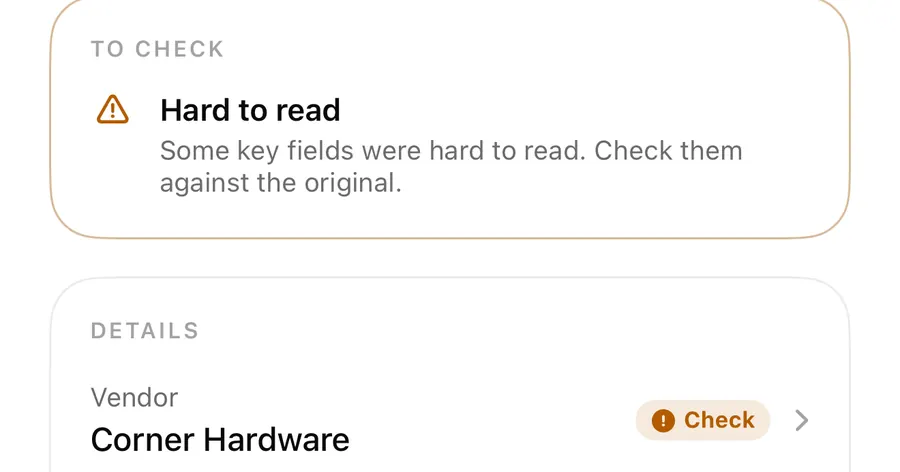
- VAT doesn't add up blocks filing: net plus VAT doesn't equal the total. Check the amounts or the rate against the original.
- Unusual VAT rate is a warning: the rate isn't one of your country's usual rates. That can happen on a foreign receipt, and is worth a second look on a domestic one.
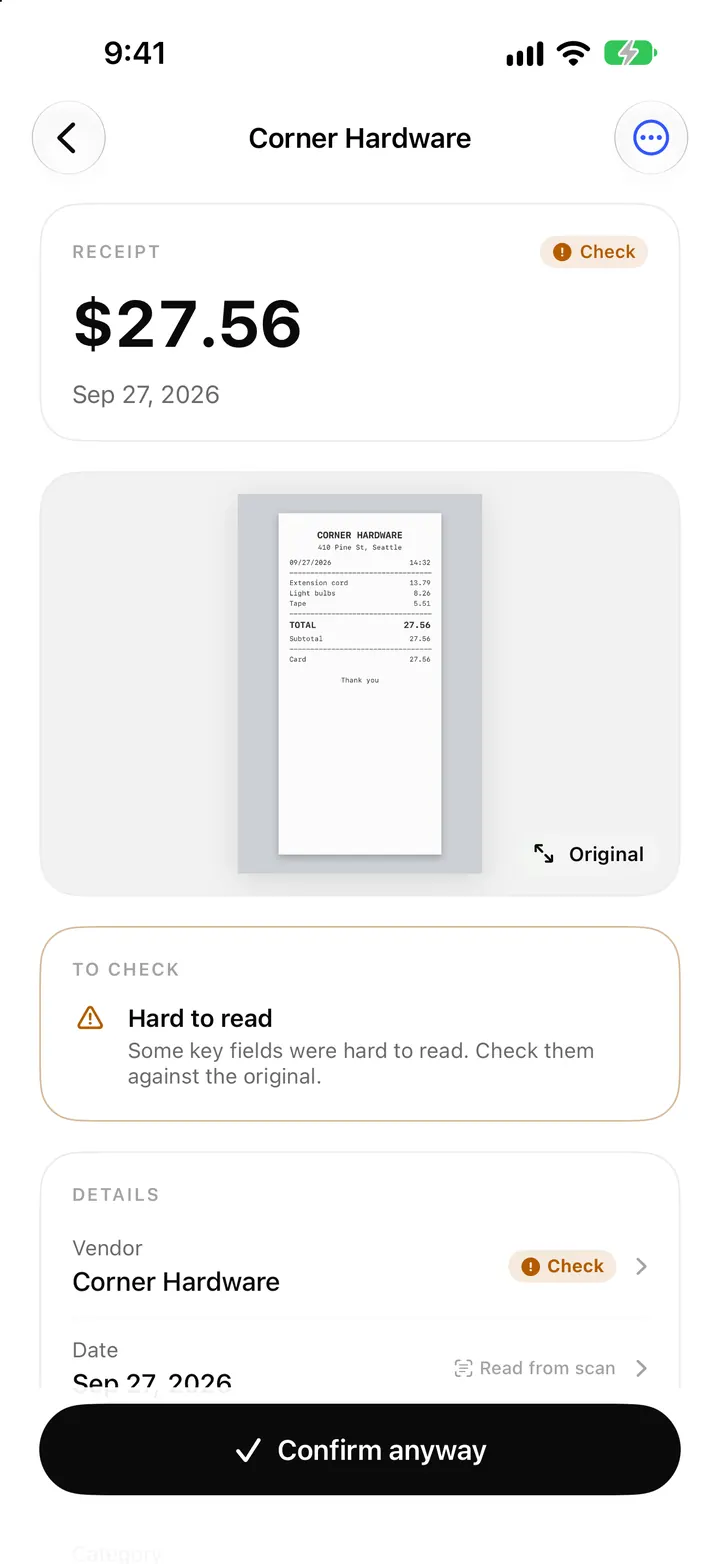
A blocking issue keeps the document in Needs a look until you fix it; a warning lets you confirm it anyway. More on that in the Inbox post.
VAT registration and Kleinunternehmer
During setup, and later under Your business in Settings, you say whether you are registered for VAT.
- Yes, I'm registered: ReceiptBook splits out the VAT on every receipt so you can reclaim it, and shows VAT totals.
- No, not registered: ReceiptBook still records the VAT shown, but totals focus on what you paid.
- Kleinunternehmer (§ 19 UStG), in Germany: no VAT is charged or reclaimed, so every document counts in full and VAT shows as zero in totals and exports.
Whether you need to register is a question for your tax office or accountant.
FAQ
Does ReceiptBook look up exchange rates automatically?
No. You enter the rate yourself, ideally the one on your bank or card statement. Nothing is fetched from the internet.
What if I don't add an exchange rate?
The document is still filed. The Book lists it apart in its own currency, and the bookkeeping-software files leave it out until you add a rate.
Can one receipt have two VAT rates?
Yes. Each rate is read and stored as its own line, and the CSV export has one row per rate.
Why does my receipt say Unusual VAT rate?
The rate isn't one of your country's usual rates. Check it against the receipt. On a receipt from another country, the rate may well be right.
Download ReceiptBook and bring your travel receipts home in order.
Keep reading
E-invoices and receipt QR codes: XRechnung, Factur-X and UBL in ReceiptBook
ReceiptBook reads XRechnung, ZUGFeRD / Factur-X, UBL and CII e-invoices exactly, checks the sums, and uses till QR codes to fill fields you still review.
Read
Categories, split receipts and business use percentage in ReceiptBook
Sort receipts into standard categories or your own, split one receipt across several categories, and count only the business share of a phone or car bill.
Read
The Book in ReceiptBook: period totals, search, filters and project tags
See money in and out per period, VAT by rate and where it went by category, find any receipt by vendor or amount, and tag costs by project in ReceiptBook.
ReadWhat Should You Check When Exporting Expenses in Multiple Currencies?
Prepare a ReceiptBook export for multi-currency invoices by preserving original amounts, rates, fees, periods and clear summaries.
Read guide