Export receipts for Xero, QuickBooks, FreeAgent, DATEV and FEC
ReceiptBook makes import files for Xero, QuickBooks, FreeAgent, DATEV, lexoffice, sevDesk and the French FEC, matched to your country. Here is what each holds.
Short answer
On the Export tab, ReceiptBook lists extra formats under For bookkeeping software, chosen by the country of your business: Xero, QuickBooks and FreeAgent in the UK, QuickBooks and Xero in the US, DATEV, lexoffice and sevDesk in Germany, an FEC file in France and a household business book in Vietnam. Each is a file you import yourself. There is no live connection to any of these services, and the formats are part of ReceiptBook Pro.
Many small businesses keep their books in an online bookkeeping app, while the receipts pile up somewhere else. ReceiptBook reads and files receipts on your iPhone, and at the end of a period it can write the same documents in a layout your bookkeeping app or tax adviser can import. You keep the originals and the full accountant package; the bookkeeping file is the bridge to the software.
Which formats you see, by country
The standard four formats (accountant package, CSV, Excel and period PDF) are there for everyone. Below them, the For bookkeeping software section depends on the country set in Settings > Your business:
| Country | Formats | File name, for Q3 2026 |
|---|---|---|
| United Kingdom | Xero bank statement (CSV), QuickBooks bank upload (CSV), FreeAgent bank statement (CSV) | Xero_2026-Q3.csv, QuickBooks_2026-Q3.csv, FreeAgent_2026-Q3.csv |
| United States | QuickBooks bank upload (CSV), Xero bank statement (CSV) | QuickBooks_2026-Q3.csv, Xero_2026-Q3.csv |
| Germany | DATEV booking batch (EXTF), lexoffice transactions (CSV), sevDesk transactions (CSV) | EXTF_Buchungsstapel_2026-Q3.csv, lexoffice_2026-Q3.csv, sevDesk_2026-Q3.csv |
| France | FEC accounting entries (TXT) | your SIREN, then FEC and the end date, as .txt |
| Vietnam | Household business book (PDF and CSV) | So_doanh_thu_chi_phi_2026-Q3.pdf and .csv |
| Austria, Switzerland | none; use the CSV or Excel export |
If you run a business in a second country, a separate business profile gets its own country and its own formats. See income and several businesses.
What each file contains
Xero, QuickBooks and FreeAgent
These three are bank-statement style files: one line per document, with money out as a negative amount. Xero gets a date, amount, payee, description and reference; QuickBooks gets a date, a description and an amount; FreeAgent gets a date, an amount and a description with no header row. US profiles get month-first dates, UK profiles day-first. You upload the file where the app accepts a bank statement, then match or explain the lines there.
DATEV, lexoffice and sevDesk
The DATEV booking batch (EXTF) is meant for your tax adviser. It has the EXTF header and one booking per VAT rate or split part, with SKR03 accounts and tax keys. Before you export it, enter your DATEV consultant number and DATEV client number in Settings > Your business. The lexoffice and sevDesk files are one line per document with date, amount and purpose; you map the columns once on the first import.
FEC for France
The FEC accounting entries (TXT) file has balanced entries with PCG accounts in the FEC layout, for tools such as Pennylane or Tiime or for your accountant. Its name is fixed by the format and starts with your SIREN, so fill in SIREN in Settings first.
Vietnam household business book
Vietnamese profiles get a household business book of revenue and costs as PDF and CSV. The app itself notes that this layout is not yet verified against the rules, so have it checked before you rely on it.
Export a file for your bookkeeping app
- Confirm everything in the Inbox for the period; only confirmed documents are exported.
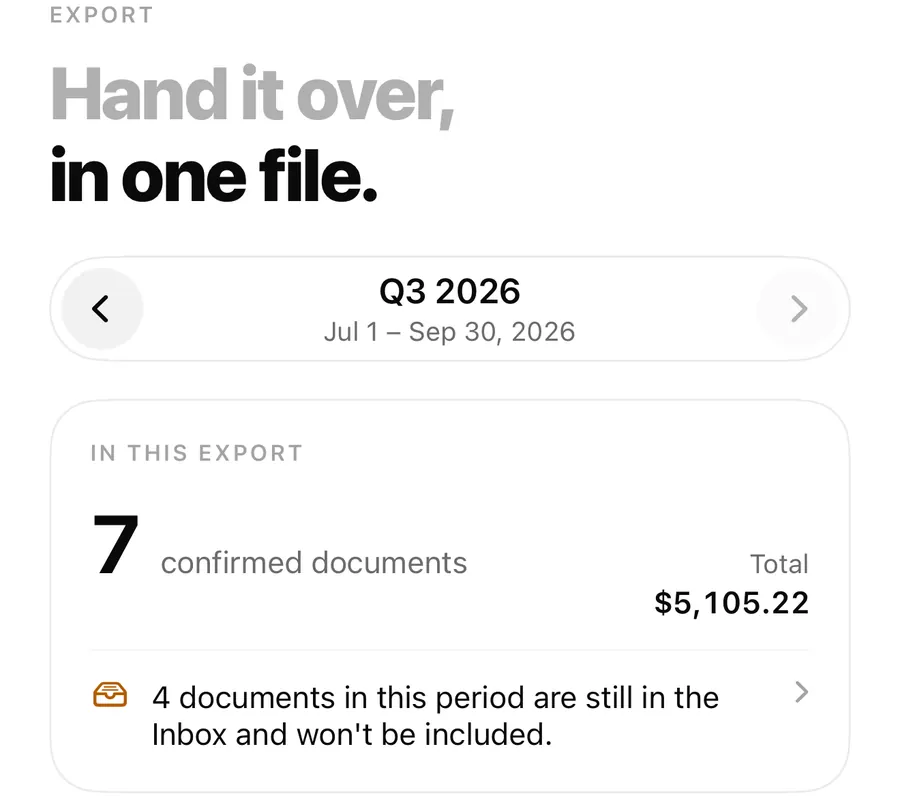
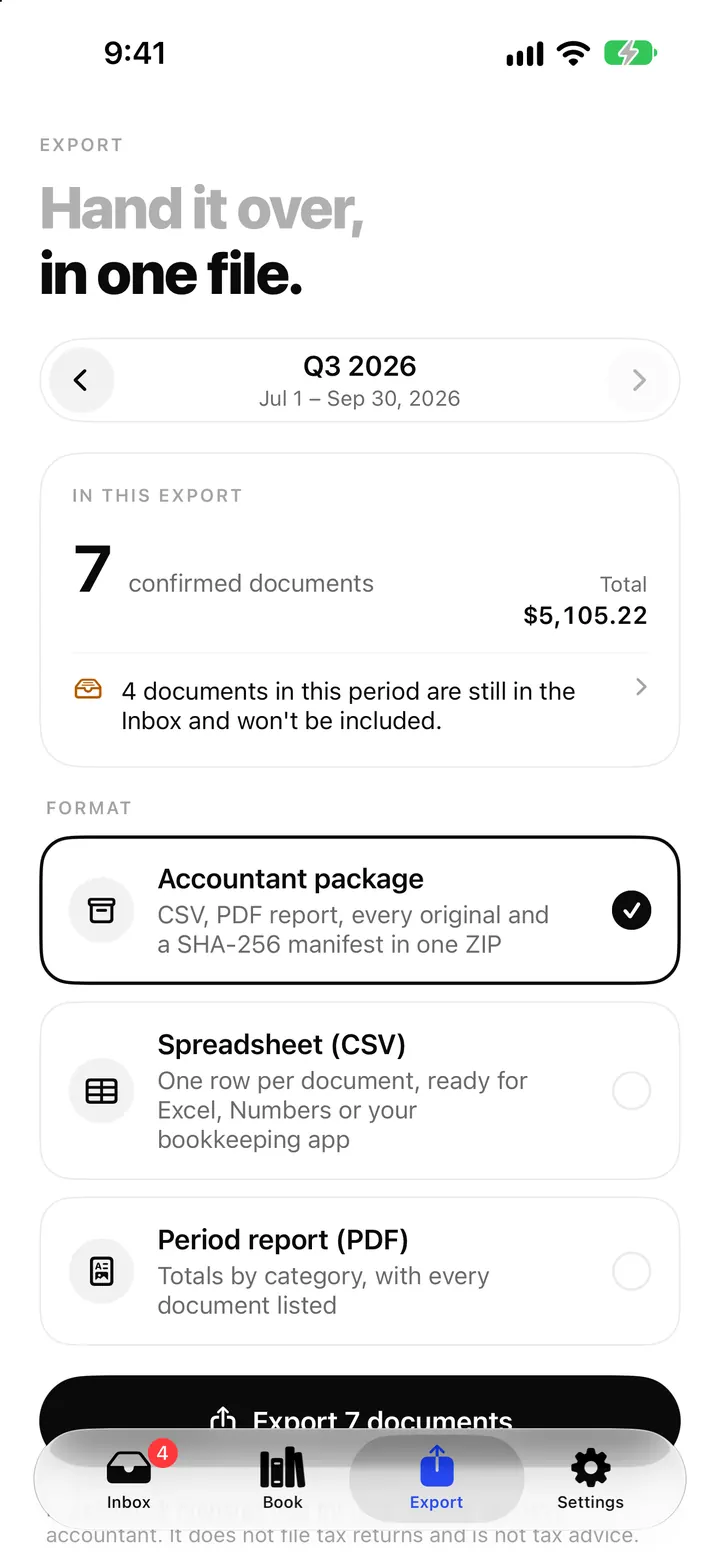
- On the Export tab, pick the period with the arrows and look at In this export.
- Scroll to For bookkeeping software and choose the format for your app.
- For DATEV or FEC, add the consultant and client numbers or the SIREN in Settings if you haven't yet.
- Tap export and save or share the file, then import it in your bookkeeping app the way it expects.
Separators, currencies and the accountant package
ReceiptBook writes CSV files as UTF-8 with dates as YYYY-MM-DD in its own spreadsheets. Germany, France, Austria and Vietnam use a semicolon with a decimal comma, Switzerland a semicolon with a decimal point, and the UK and US a comma with a decimal point. The bookkeeping files follow the layout of their target app, which is why the lexoffice and sevDesk files use semicolons and German dates.
Documents in another currency need an exchange rate before they can go into a bookkeeping file. Without one, the file leaves them out and the app tells you how many were skipped. The foreign currency post shows how to add the rate your bank charged.
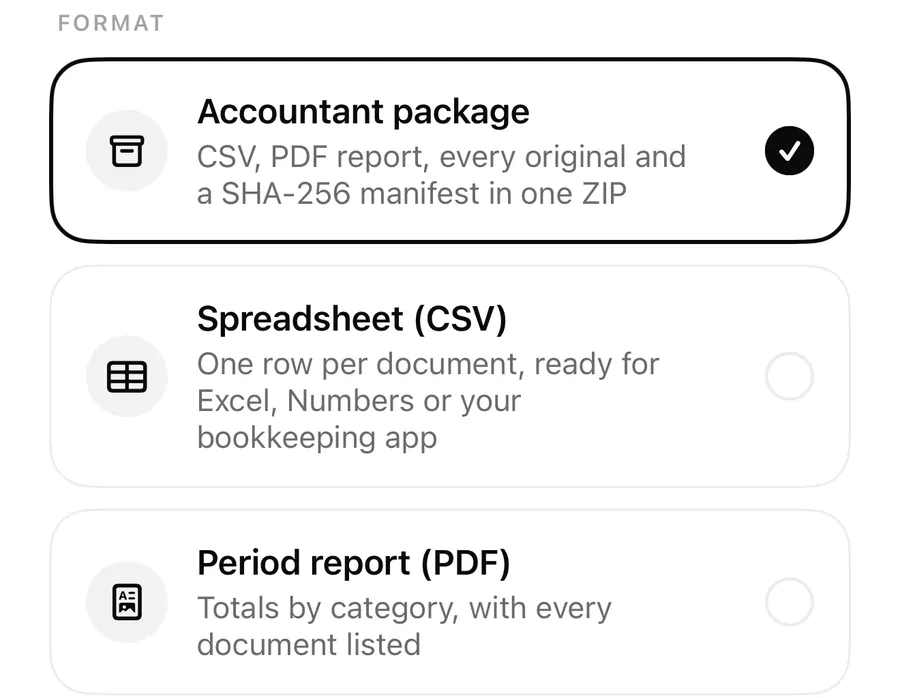
You don't have to choose between a bookkeeping file and the full record. The accountant package ZIP carries the country's bookkeeping files in its accounting/ folder next to the CSV, the period PDF, the originals and the manifest. The accountant package post lists everything inside.
FAQ
Does ReceiptBook sync with Xero or QuickBooks?
No. It writes a file on your iPhone that you import yourself. Nothing is sent to the bookkeeping service, and there is no login to connect.
Why don't I see DATEV in my export list?
The bookkeeping formats follow the country of the current business. DATEV, lexoffice and sevDesk appear for Germany; switch the business or check the country in Settings.
Can I export the same period twice?
Yes. Each export is kept under Past exports so you can send it again, and if documents changed since, the Export tab shows Changed since your last export.
My accountant wants Excel instead. Is that possible?
Yes. Spreadsheet (Excel) has documents and totals with real numbers and dates, for Excel and Numbers. It is part of Pro like the other period exports.
Download ReceiptBook and hand your next period to your bookkeeping app in one file.
Keep reading
The accountant package: export a whole period as one ZIP from ReceiptBook
Export a period as one ZIP with transactions.csv, summary.csv, a PDF report, every original and a SHA-256 manifest, or as CSV, Excel or PDF, all on your iPhone.
Read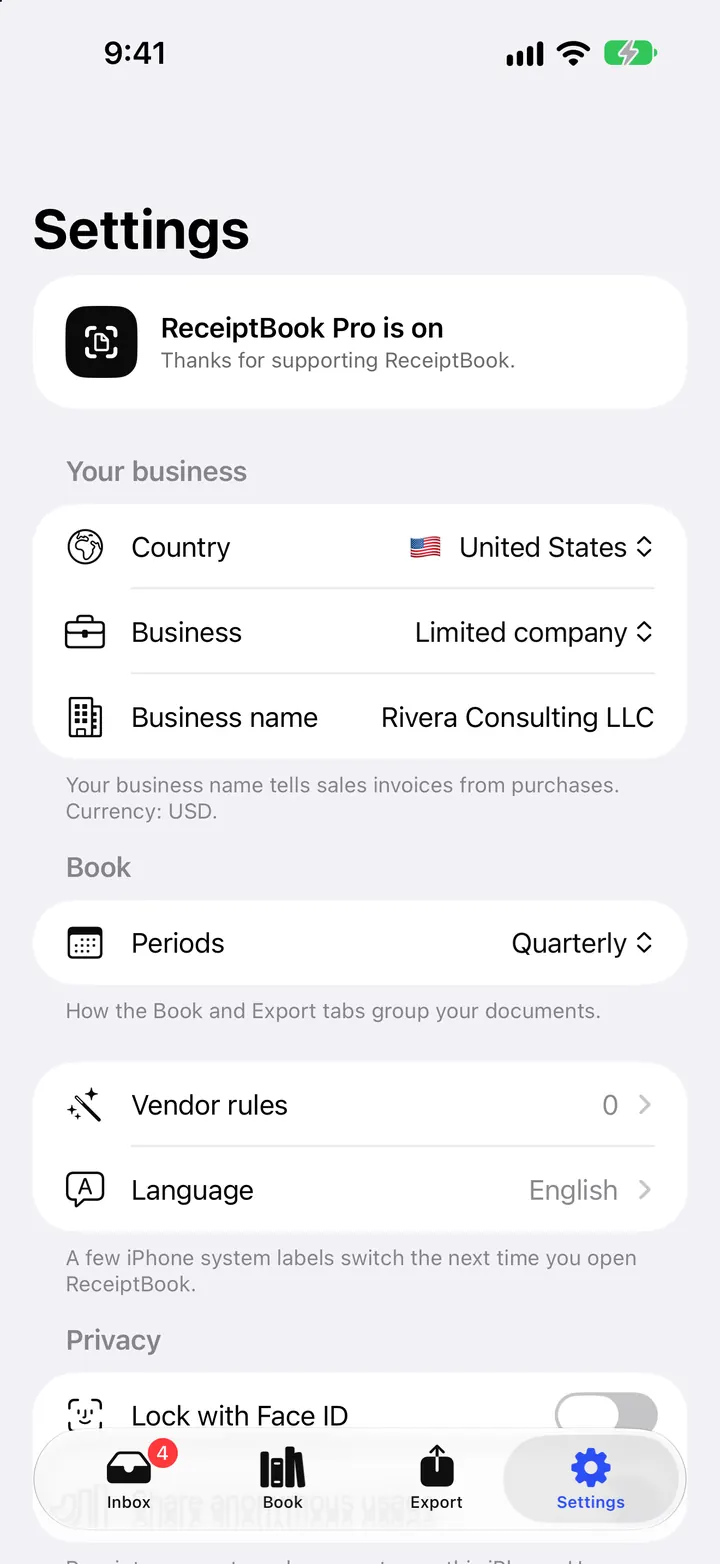
Countries, periods and deadline reminders in ReceiptBook
Set your country, business type and period in ReceiptBook, monthly, quarterly, yearly or the UK tax year, and get a reminder 7 days before each usual deadline.
Read
Foreign currency receipts and VAT rates in ReceiptBook
Handle receipts in another currency with the rate your bank charged, read several VAT rates on one receipt, and catch VAT that doesn't add up in ReceiptBook.
ReadReceiptBook CSV, PDF, and ZIP: Which Export Should You Use?
When to use CSV, PDF, or ZIP in ReceiptBook and how to check each file before sending it to an accountant.
Read guide